
Plans and the Service reports add-on
Which plans include service reports, and how to add them to Core or Connect.
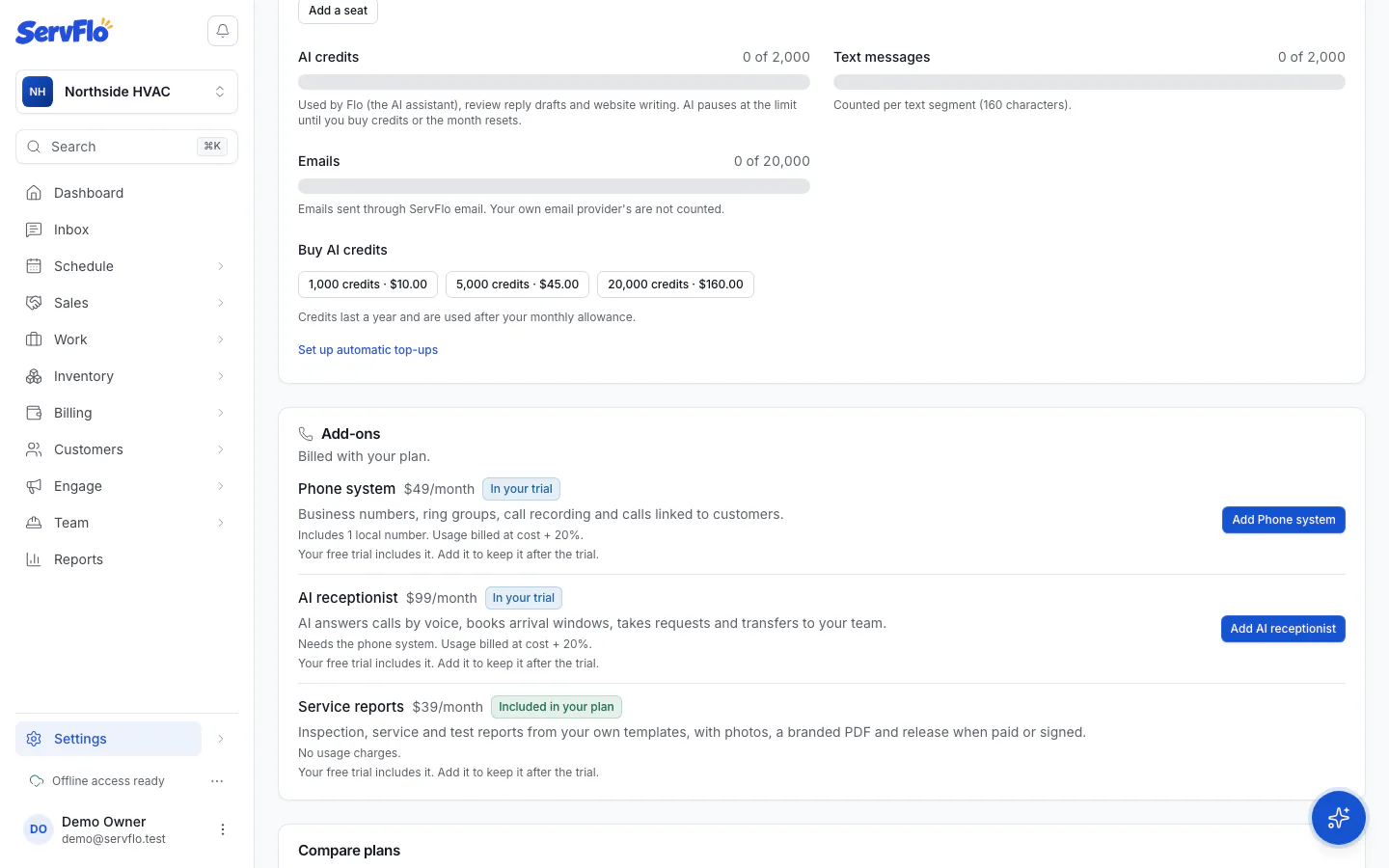
Service reports are included on the Grow and Pro plans. On Core and Connect you can add them as the Service reports add-on, billed with your plan. Your 14-day free trial includes them.
Add service reports to Core or Connect
Only the owner can add or remove add-ons.
Open Billing
Go to Settings → Billing.
Add it
Under Add-ons, find Service reports and click Add Service reports. Review the price and confirm.
You can also start from any reports screen: without the feature it shows what it costs, with Add Service reports and See plans buttons.
If you remove it or downgrade
Nothing is lost. Reports you already published stay readable for you and your clients, including their PDFs and the client's page. You can still delete reports, revoke links and withdraw agreements. Writing, publishing and templates wait until service reports are on your plan again.