
Reply to customers
Answer a customer's text or email from the Inbox, or start a new text from their customer page.
You can answer customers right from ServFlo, by text or by email. Replies go out from your business number or email address, so the customer's answer comes back to the same conversation.
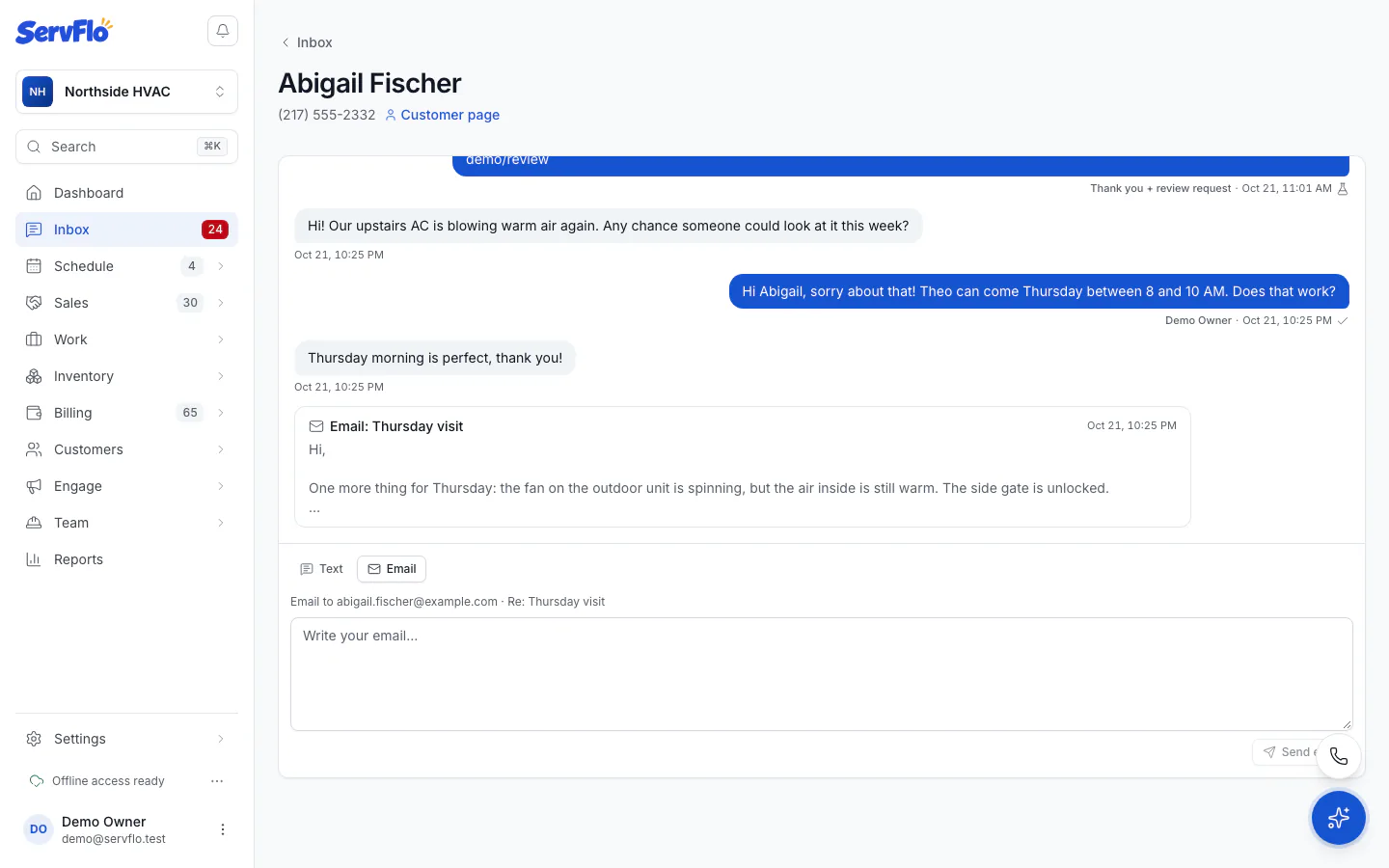
Answer from the Inbox
Open the conversation in the Inbox.
Under Answer by, choose Text or Email.
Write your message. For a text, the counter shows the characters and how many texts it takes.
Click Send (or Send email).
Your texts show on the right with who sent them and a status: a clock while it waits, one tick when sent, two ticks when delivered, and a cross if it failed or was skipped (point at it to see why).
An email reply goes out in your branded email with "Re:" and the customer's subject, to the address that last emailed you.
Start a text from a customer
Open the customer.
Click Text. The conversation opens in a side panel.
Write the text and click Send. Open the full conversation takes you to the Inbox.
You can also text from the phone panel at the bottom of the screen: open the Texts tab and click New text to text a customer or any number. See The phone panel.
When a text can't be sent
The reply box tells you why and links to the setting to fix:
- Texting isn't set up yet, or your texting registration isn't approved.
- Test mode: the text is logged in the conversation but not sent until texting is set up.
- The customer replied STOP. Only they can turn texts back on, by texting START.
- No "OK to text" for that number, and the customer hasn't texted you in the last 30 days.
- Your trial has no card on file: "Add a card to start texting customers."
When a customer texts you first, you can answer them for 30 days without "OK to text". This only covers your own replies, never automations or marketing. After 30 days, you need "OK to text" like any other text. See Consent and opt-outs.
Quiet hours and replies
An answer to a customer who texted you goes out right away, even during quiet hours. A text that starts a new conversation waits until quiet hours end; the reply box tells you when it will go.
Related
- Use the Inbox
- Send messages from a record
- Personal lines: answer from your own number or email address