
Expenses
Record fuel, permits, subcontractors and other spending with receipts, and count it in a job's costing.
Expenses are money your business spends outside of purchase orders: fuel, permits, equipment rental, subcontractors, disposal fees. Put an expense on a job and it counts in that job's profit. Owners, admins and dispatchers can record expenses in the office, and technicians can log their own from the mobile app with Log an expense.
Add an expense
Open Expenses
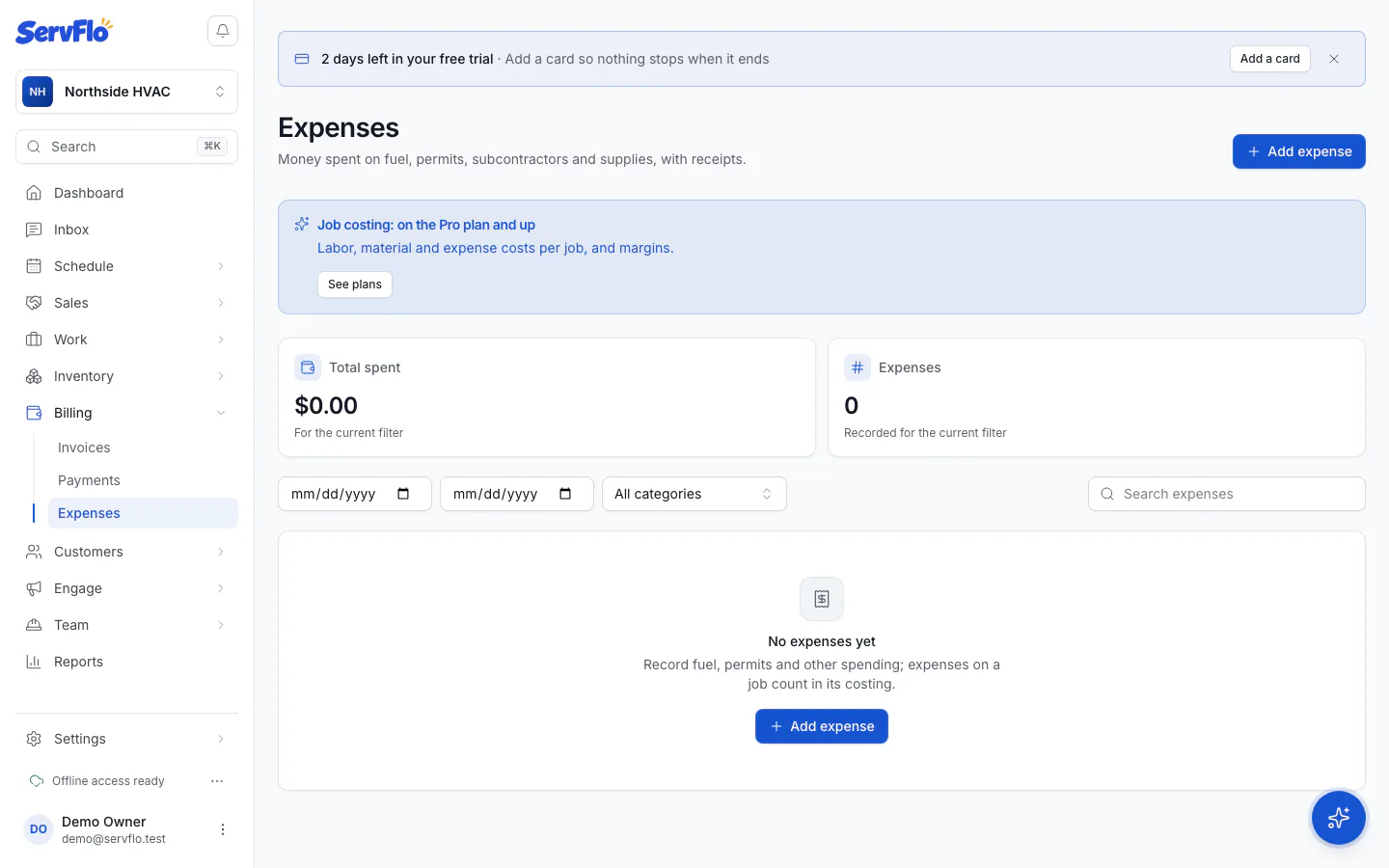
In the left menu, under Billing, click Expenses, then Add expense. To add one straight to a job, open the job and choose Add expense under More.
Enter the details
Fill in the Date, Amount and Category (Fuel, Permits, Materials or your own word). Add the Vendor, the Job it was for and a Description if you like.
Attach the receipt
Under Receipt, add a photo or PDF (up to 25 MB).
Say who paid
If someone paid out of their own pocket, tick Reimburse the person who paid. Payroll then pays it back to whoever recorded it. See Time & payroll.
Save
Click Add expense.
Find expenses
Filter the list by date (From and To) and Category, or search. The totals at the top show what was spent for the current filter. Click a receipt to view it.