
Starter items for your trade
Fill your pricebook with the services, materials and fees a business like yours usually sells, at typical prices.
Every new business starts with a few generic items (Standard Service, Filter Replacement and so on). Starter items replace them with a list made for your trade, from HVAC and plumbing to pool service and car detailing, at typical US prices you can change afterwards. Owners and admins can add them.
Open the starter list
In the left menu, under Inventory, click Pricebook, then Starter items for your trade.
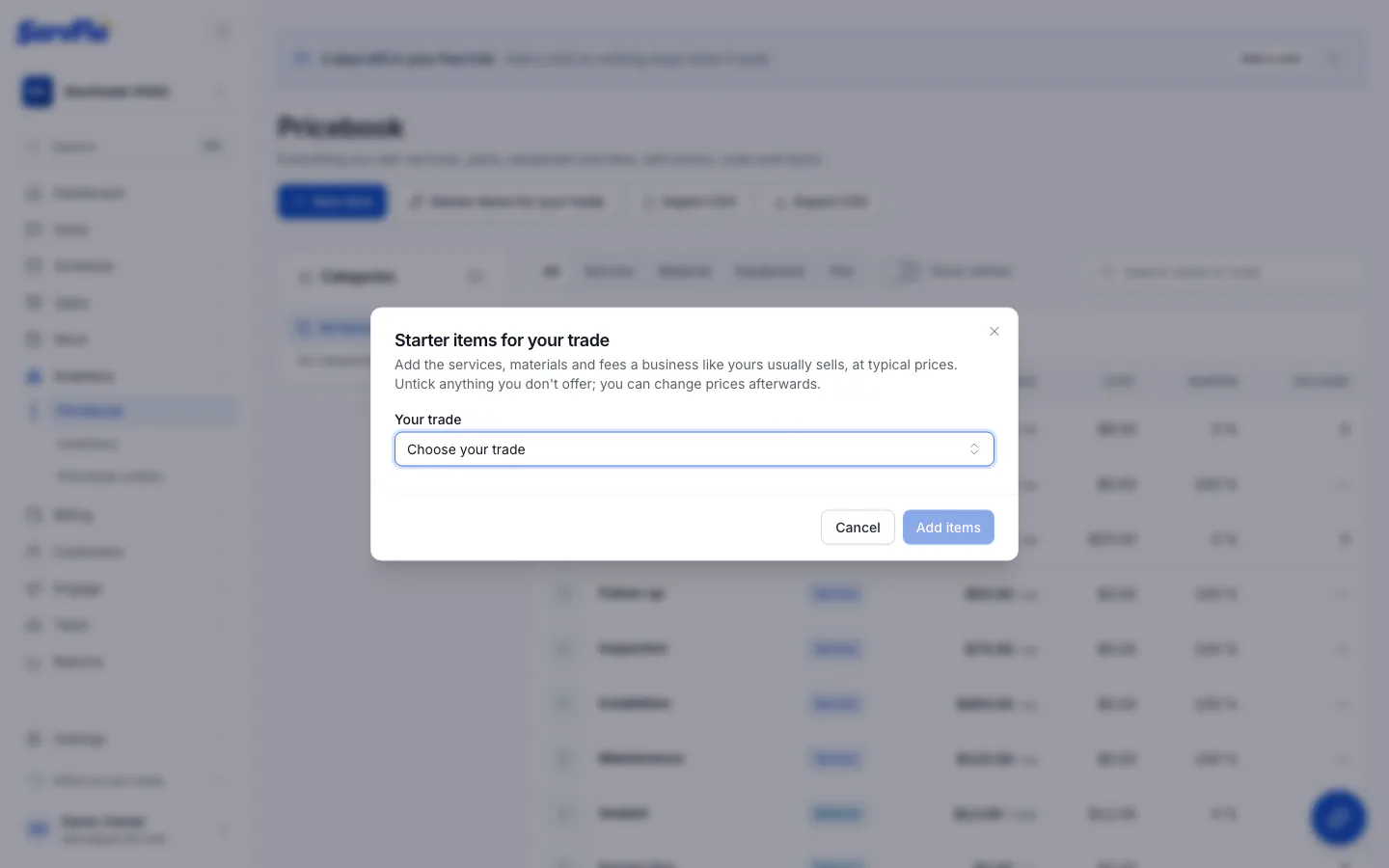
Choose your trade
Pick it under Your trade. The items load below, each one ticked. Items you already have are marked Already added.
Untick what you don't offer
Leave ticked only the services, materials and fees you sell.
Clear out the generic items
Keep Remove the generic starter items ticked to remove the generic items you haven't changed. Any generic item already used on a job, quote or invoice is retired instead of removed, so your records stay intact.
Add them
Click the Add button (it shows how many, for example Add 24 items). They go in a category named after your trade. Services can be booked online and put on jobs straight away.
If you picked your trade when you first set up ServFlo, your pricebook already started from these items. You can still open the list to add any you skipped.
Next
- Review the prices in Manage your pricebook.
- Have your own price list? Import it from a CSV file.