
Commissions
Set commission rules, calculate what technicians earned in a pay period, then approve and mark commissions paid.
Commissions reward technicians for the work they complete and what they sell. You set the rules once; each pay period, ServFlo works out what everyone earned. Owners and admins manage commissions. Technicians see their own under My commissions.
Kinds of rules
| Rule | Earned when | Based on |
|---|---|---|
| % of job revenue | a job is completed | the job's invoiced amount, before tax |
| % of sold quotes | a quote is approved | the approved amount, before tax |
| Flat per job | a job is completed | a fixed amount |
| Flat per visit | a visit is completed | a fixed amount |
| % of membership sales | a membership starts | the membership's value for its term |
Job and visit rules go to the Lead technician, or are Split across the crew evenly. Sold quotes and memberships go to the technician who sold them.
Add a rule
Open the rules
In the left menu, under Team, click Commissions, then Rules. Click Add rule.
Set it up
Enter a Name (for example, "Job revenue 5%"), choose the Type, and enter the Rate (%) or Amount ($). For job and visit rules, choose Who earns it.
Choose technicians
Tick the Technicians the rule applies to, or leave them all unticked so every technician earns from it.
Save
Click Save rule. Rules count from the next calculation.
Pay commissions for a period
Pick the pay period
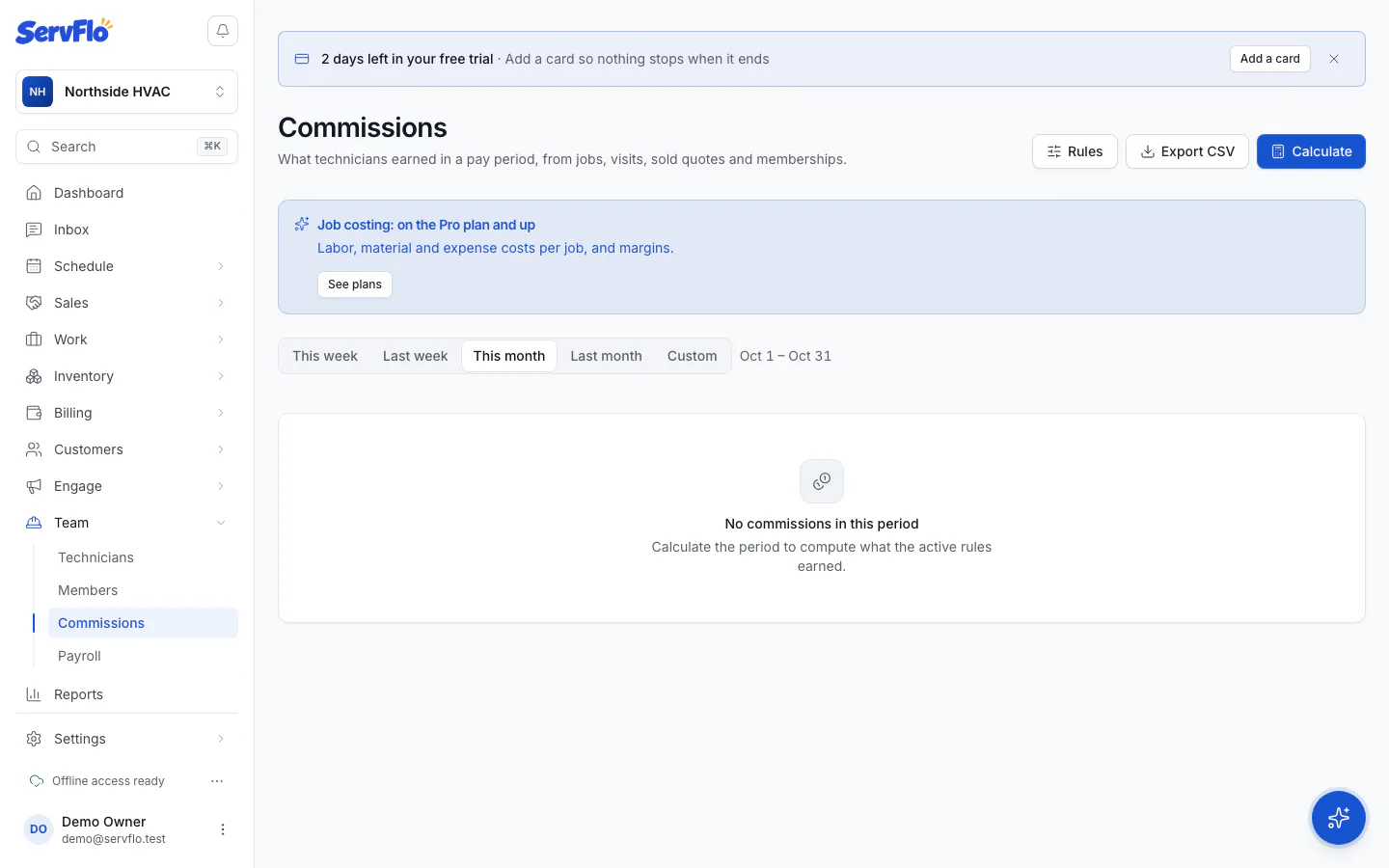
On the Commissions page, choose a Pay period (This week, Last week, This month, Last month or Custom).
Calculate
Click Calculate. ServFlo lists each commission with its source (job, visit, quote or membership), basis, rate and amount, and totals per technician.
Approve
Tick the lines to pay and click Approve.
Mark them paid
Once you've paid them, select the lines and click Mark paid. Click Export CSV if you need the lines for payroll.
You can calculate a period again at any time: pending commissions are updated, but approved and paid ones never change. Each job, visit, quote or membership earns a commission only once.