
Pricebook & inventory
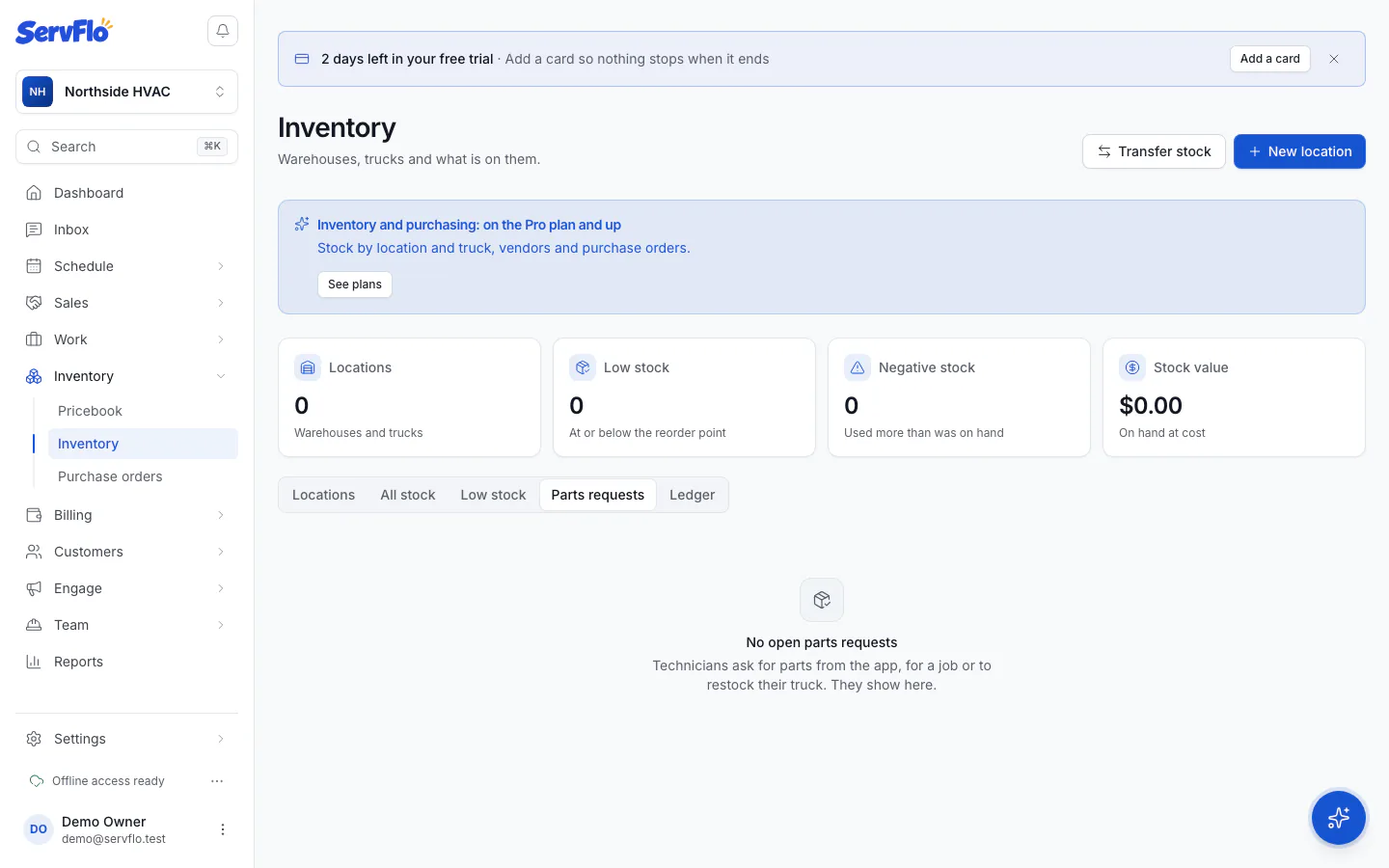
Parts requests
See and fill the parts technicians ask for from the mobile app, for a job or to restock their truck.
Technicians can ask the office for parts from the mobile app: for a specific job, or to restock their truck (the app suggests what's running low). Owners, admins and dispatchers work the requests in Inventory.
Leave a note
Under Note for the technician, say where to pick the parts up (for example, "Shelf B"). The technician sees it on their phone.
Update the status
- On order: you've ordered the parts.
- Ready for pickup: the parts are waiting. The technician is told.
- Done or Cancel to close the request.
The technician gets a notification when a request is on order, ready or cancelled.
Or move the parts from stock
If the parts are in a warehouse, choose the warehouse under Fulfil from and click Move from stock to the technician's truck. ServFlo transfers the parts and closes the request.