
Phone
Call tracking report
See which numbers and sources make the phone ring, and which calls turn into work and revenue.
Add-on: Phone(any plan)
Go to Reports and open Call tracking.
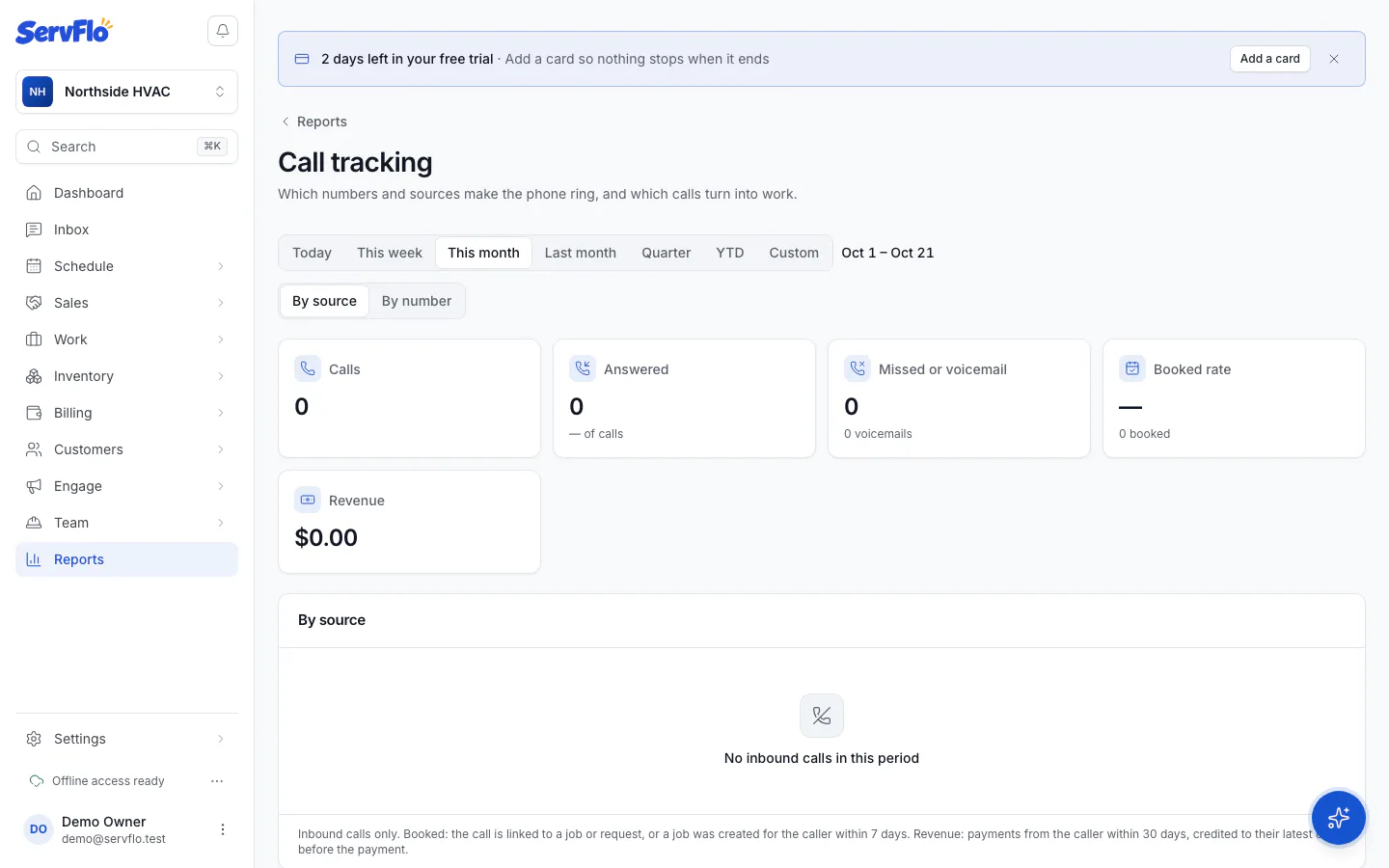
What it shows
The report covers inbound calls in the period you choose. Use Group by to switch between By source and By number. If you use business units, you can show one unit.
| Column | Meaning |
|---|---|
| Calls | Inbound calls |
| Answered, Missed, Voicemail | How calls ended |
| First-time callers | Callers with no earlier call who weren't customers before |
| Booked | Calls linked to a job or request, or callers who had a job created within 7 days |
| Booked rate | Booked calls as a share of calls |
| Avg talk | Average talk time |
| Revenue | Payments from the caller within 30 days, credited to their latest call before the payment, so a payment is never counted twice |
Get more from it
- Give each place you publish a number its own number and source. See Numbers and tracking.
- Book jobs from the phone dock with Book job, so calls are linked to the work. See Answer and make calls.
- Use website number insertion so website visitors from Google Ads, for example, see their own number.