
Business hours, voicemail and menus
Set when calls ring your team, what happens after hours, your voicemail greeting and a phone menu.
How ServFlo answers a call:
- After hours, the call goes to voicemail, or to your after-hours forward number if you set one.
- In business hours, a number with a phone menu plays it first ("For service, press 1"). The choice rings its ring group. No key, or an unknown key, rings the number's own group.
- The ring group rings everyone at once for the ring time.
- Nobody answers: voicemail, with a transcript.
If you've turned on the AI receptionist, it can answer at step 1, step 4 or before everything, depending on When it answers.
Changes apply from the next call on.
Set business hours and after-hours calls
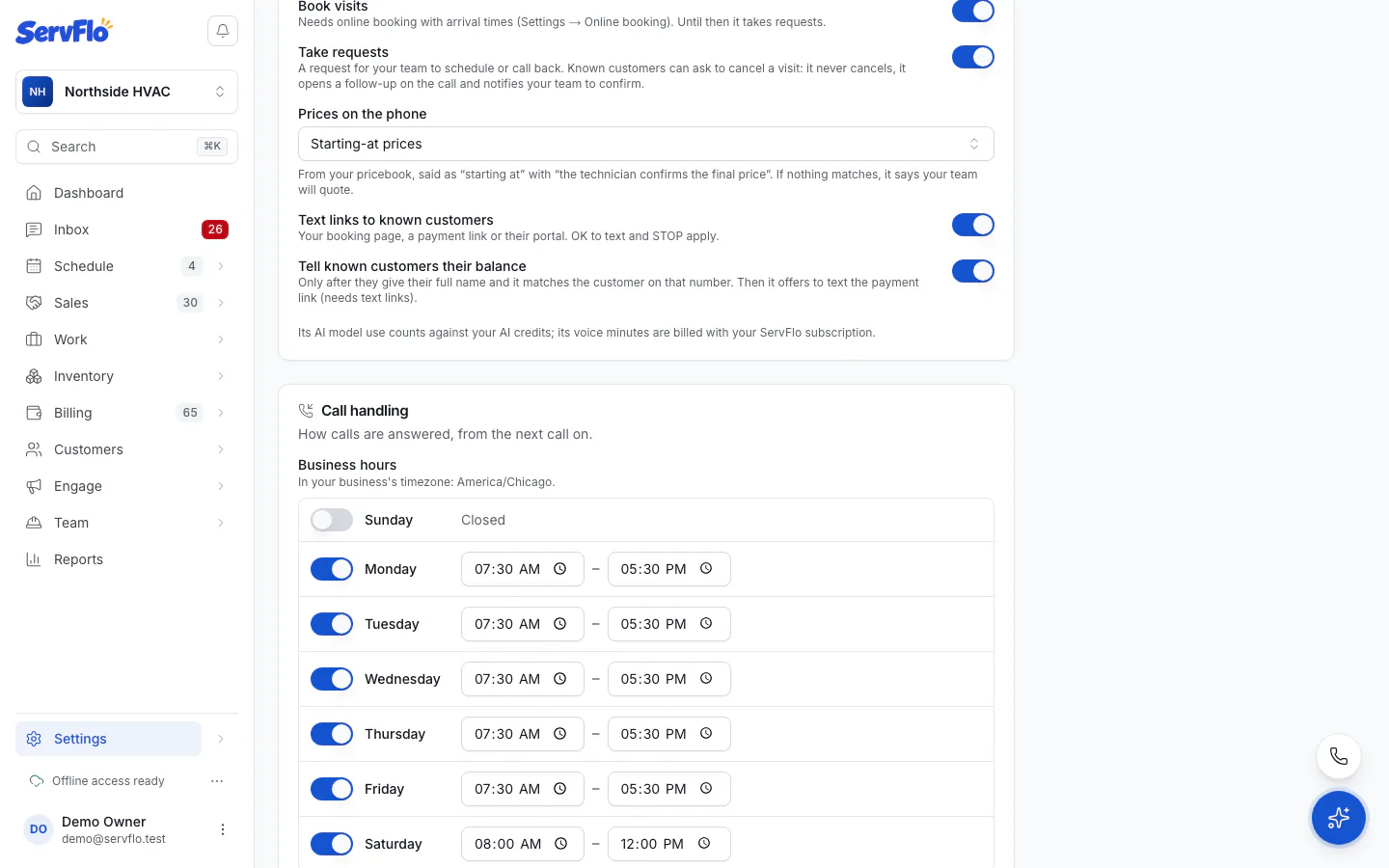
Go to Settings → Phone and scroll to Call handling.
Under Business hours, set each day to Open or Closed, with its opening and closing times. Times are in your business's timezone.
Under After hours, choose Take a voicemail or Forward to a number. If you forward, enter the number in Forward after-hours calls to.
Set Ring for (seconds): how long a ring group rings before voicemail (5 to 60 seconds).
Choose a Default ring group.
Optionally write a Voicemail greeting. It's read to callers before the tone. Leave it blank for the default.
Save your changes.
New businesses start open Monday to Friday, 8:00 to 17:00. Holiday hours aren't available yet.
Add a phone menu
A phone menu is set per number.
Create the ring groups the menu will ring first. See Ring groups.
In Settings → Phone → Numbers, open the number's Actions menu and choose Edit.
Under Phone menu, turn on Play a menu.
Write the Menu greeting, for example "Thanks for calling. For service, press 1. For billing, press 2."
For each option, set the Digit, a Choice label and which ring group it Rings. Click Add option for more.
Click Save number.
Every option needs a digit, a label and a ring group, and digits must differ. The menu plays only in business hours.