
Let customers pay over time
Offer Affirm and Klarna so customers can split larger bills into monthly payments.
With financing, the customer pays a larger bill in installments, and you're paid in full right away. The lender (Affirm or Klarna) approves the customer at checkout and carries the plan and the risk.
ServFlo takes no fee on financed payments. Stripe's fees for Affirm and Klarna apply.
You need online payments set up first. Only owners and admins can change these settings.
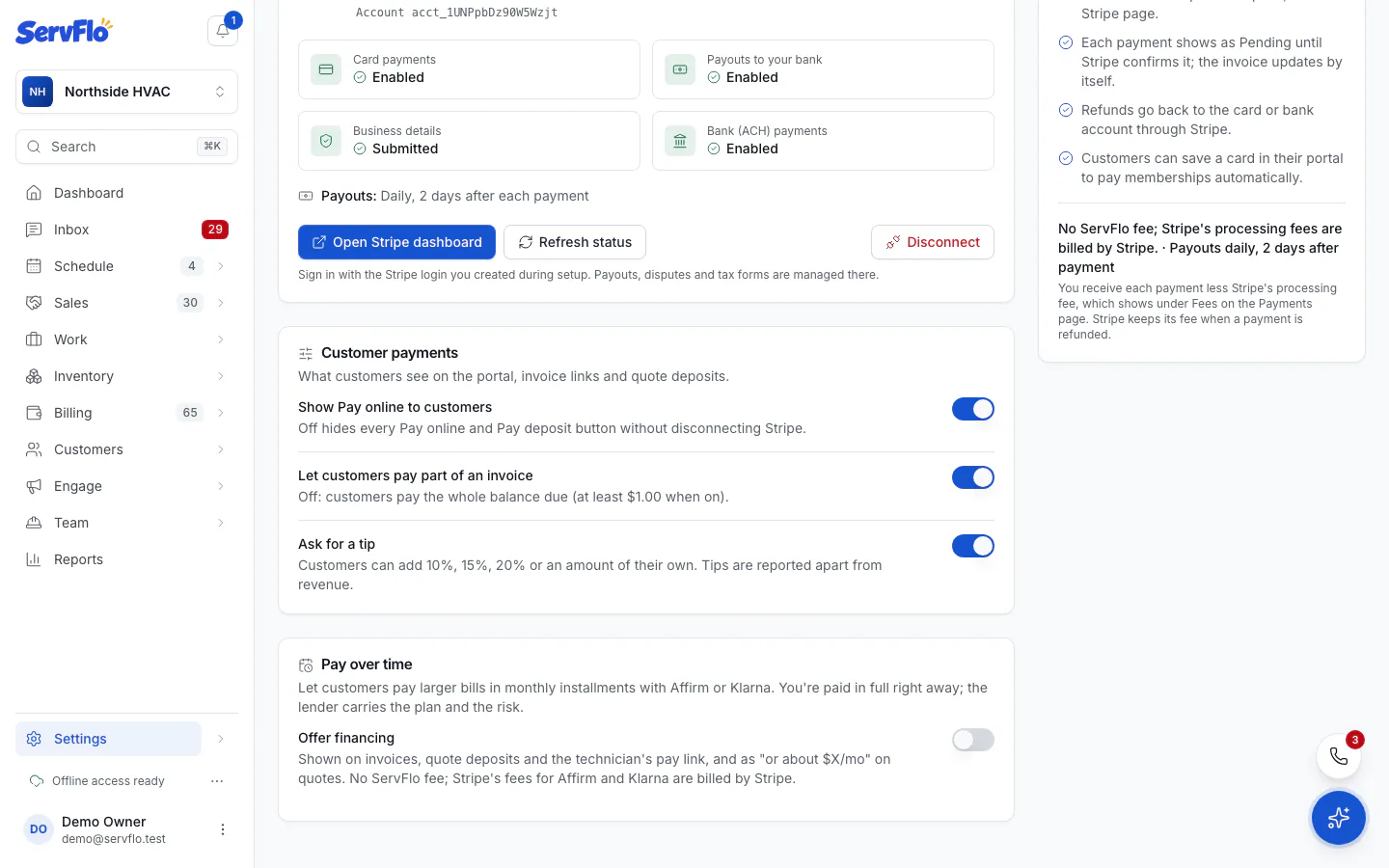
Turn on financing
Open Pay over time
Go to Settings → Payments and find Pay over time.
Set the minimum
Offer it from sets the smallest bill that shows financing. It starts at $500. Bills under this amount show only card and bank.
Wait for Stripe's approval
Stripe reviews each method for your account, usually within a day. Each method shows its status: Not requested, Stripe is reviewing, Approved or Not available. Customers only see a method once it reads Approved. Click Refresh status to check.
If Stripe asks, turn Affirm or Klarna on in your Stripe dashboard (Settings → Payment methods).
The lenders' limits
| Lender | Amounts |
|---|---|
| Affirm | Monthly plans from $50 to $30,000 |
| Klarna | Pay in 4 or monthly plans from $35 to $10,000 |
A bill must be within the lender's limits and at or above your own minimum for that lender to appear.
Where customers see it
- Invoices: Pay with Affirm and Pay with Klarna under the card buttons, with "Or pay over time, from about $X/mo".
- Quote deposits: the same buttons on the quote page.
- Quotes: each option's total can show "or about $X/mo with financing".
- The in-home presenter: a Ways to pay step with monthly estimates. See Present a quote in the customer's home.
The monthly figure is an estimate over 12 months. Customers always see that it's subject to approval and that the lender sets the plan and rate.
Turn it off for one invoice or quote
Open the invoice or quote and use the Offer financing card to switch it off for that one. On a quote, you can change this while the quote can still be edited.