
Account & billing
Check your usage and overage
See this month's AI credits, texts, emails and office users, and understand what's billed past your allowance.
To see what you've used this month, go to Settings → Billing and find This month.
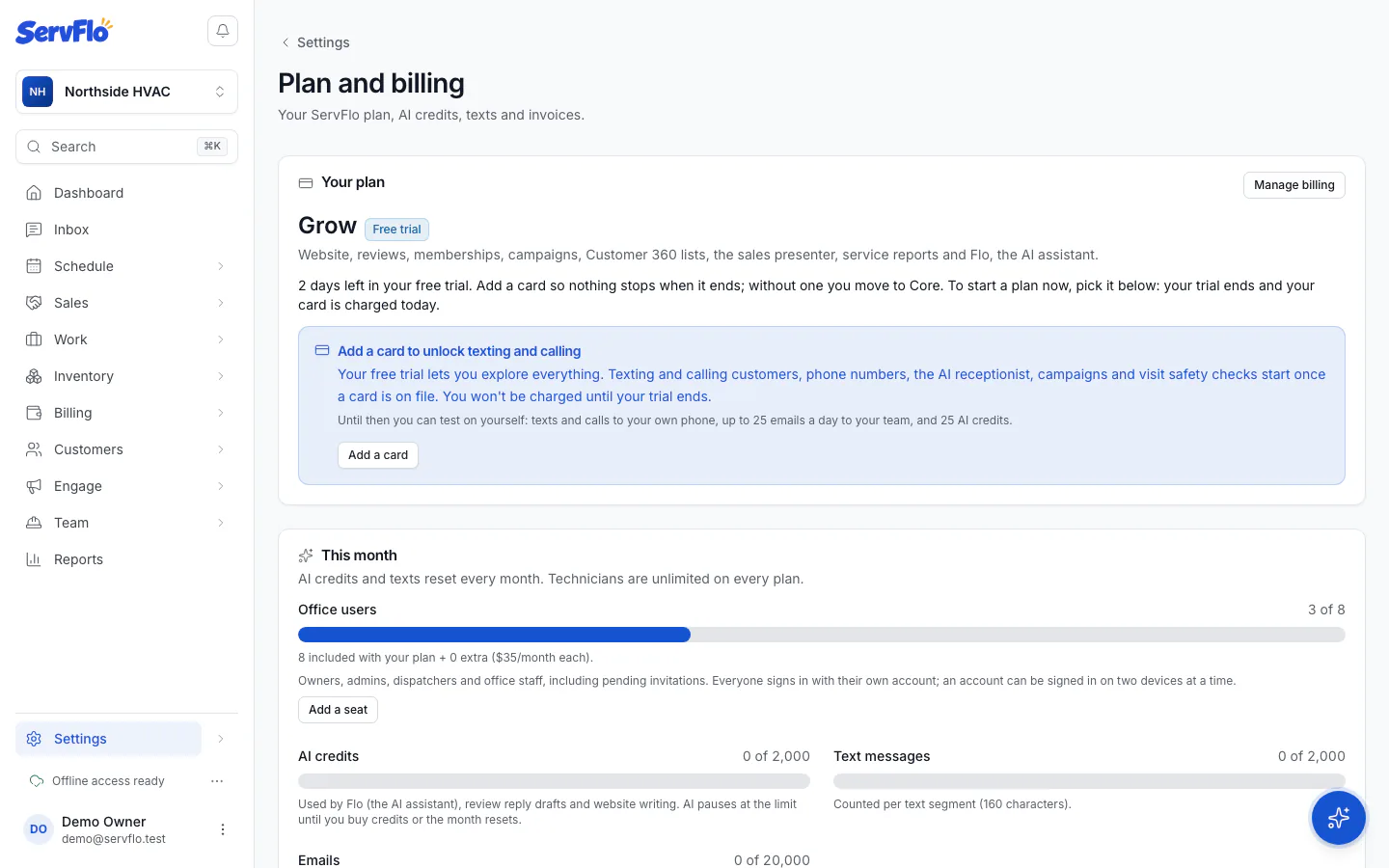
What's counted
| What | Allowance | Past the allowance |
|---|---|---|
| AI credits | Core 100, Connect 500, Grow 2,000, Pro 5,000 a month | AI pauses until next month. Buy credits to keep going. |
| Text messages | Core 100, Connect 300, Grow 1,000, Pro 2,500 segments a month | Each extra segment costs 2.5¢, billed with your plan. |
| Emails (ServFlo email) | Core 1,000, Connect 5,000, Grow 20,000, Pro 50,000 a month | Extra emails cost $2 per 1,000, billed with your plan. |
| Office users | Core 1, Connect 2, Grow 3, Pro 5 | You can't add more until you add a seat. |
- A text segment is up to 160 characters. A longer text counts as more than one segment.
- Emails you send through your own email provider aren't counted.
- Allowances reset every month.
- As a safety limit, texts and emails stop at ten times your monthly allowance, so a mistake can't run up a huge bill.
During the free trial, there's no overage. Texts and emails stop at the trial's included amounts until you choose a plan.
Usage billed on top
If you use the phone system, the AI receptionist or visit safety checks, Usage billed on top this period lists what you've used so far:
- Phone and numbers: extra numbers, call minutes, recordings and transcription, at cost + 20%.
- AI receptionist minutes: the AI's speech and voice, at cost + 20%.
- Visit safety checks: $0.25 per check.
This usage is billed with your plan, after the period ends. On a yearly plan, it's billed at the end of each yearly period.