
Build your website
Pick your trade and a template, choose your address, and ServFlo writes a first draft of every page.
ServFlo writes your first draft from your own records, so it's ready to edit in a minute. Only owners and admins can build the website.
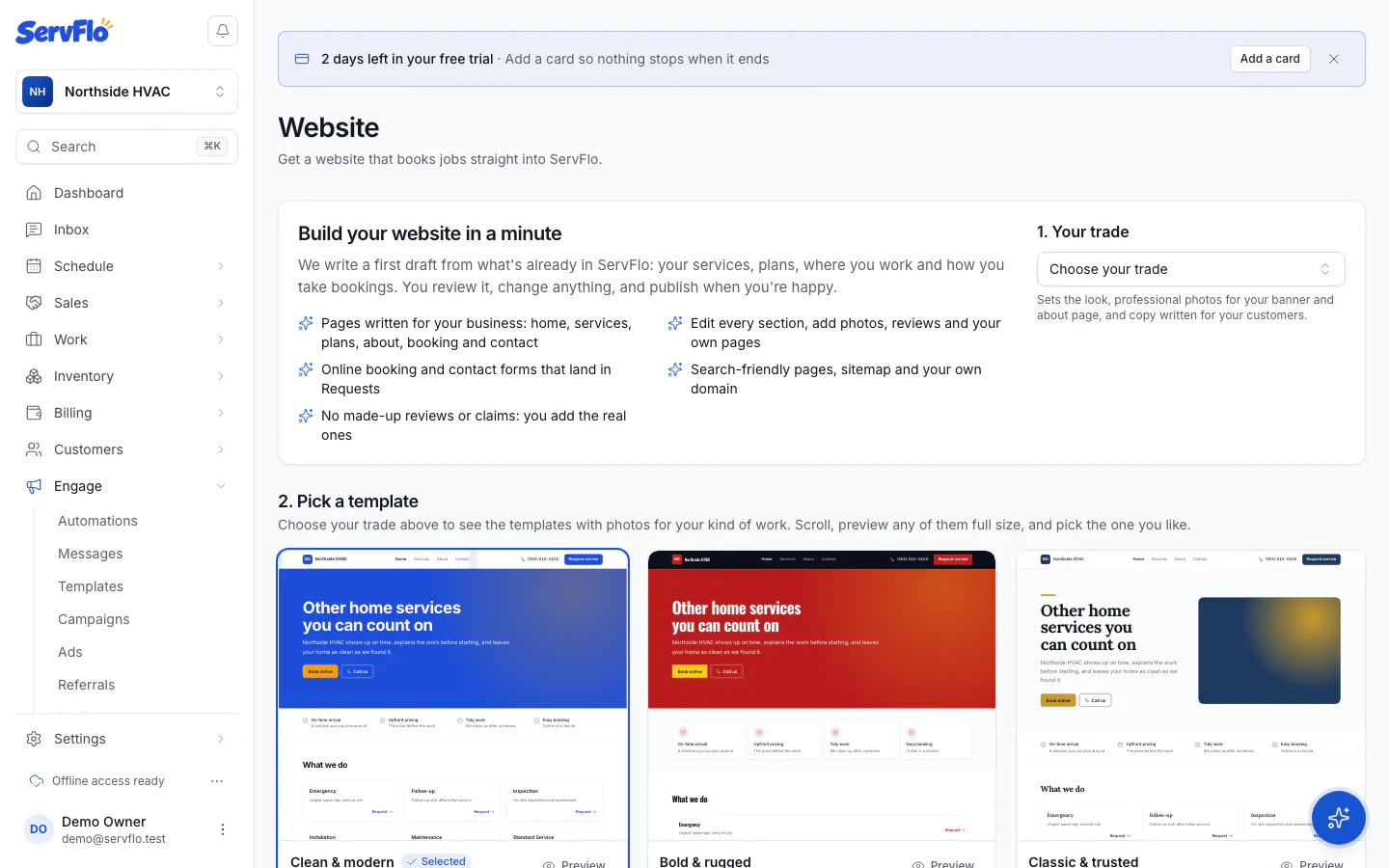
In the sidebar, open Engage → Website.
Under 1. Your trade, choose your trade. This sets the look, professional photos for your banner and about page, and copy written for your kind of customers. If your trade isn't listed, choose Other home services.
Under 2. Pick a template, scroll the gallery. Each template is shown with your business name, your services and photos for your trade. Click Preview to see one full size, then Use this template on the one you like.
Under 3. Your address, type your Your free ServFlo address (letters, numbers and hyphens). Leave it empty and ServFlo picks one.
Optional: if you already own a domain, type it in Your own domain (optional). You'll get the DNS records to connect it afterwards.
Click Build with and the style name. ServFlo writes the draft.
What's in the first draft
- Home: a banner, a row of promises, your services, your maintenance plans, common questions and a call to action. A reviews block is added but hidden until you add real reviews.
- Services, About (with your service area), Book and Contact.
- Plans, only if you have active membership plans.
- A Privacy Policy and Terms page written from your business details, linked in every footer. Phone carriers check these before they approve your texting.
The words are written by AI from facts in ServFlo only. It never invents reviews, years in business, licenses, awards or guarantees, so read the draft and add the real ones yourself. If AI isn't available, ServFlo fills in a template from the same facts.
Prices, services, plans and opening hours on your site are read live from ServFlo. Change a service's price in your price book and the site shows the new price; you don't need to edit the page.