
Job and travel time
How ServFlo records travel and time on each job automatically from the job's status buttons.
There's no separate job timer to remember. When a technician moves a job along, ServFlo records the time for them:
| They tap | ServFlo |
|---|---|
| On my way | Starts travel time |
| Arrived | Stops travel time |
| Start job | Stops travel time and starts time on the job (stopping time on any other job) |
| Complete | Stops the job's time and travel time |
The time goes to the person who tapped, when they're a linked technician. If someone in the office starts a job, it goes to the job's technician.
See time on a job
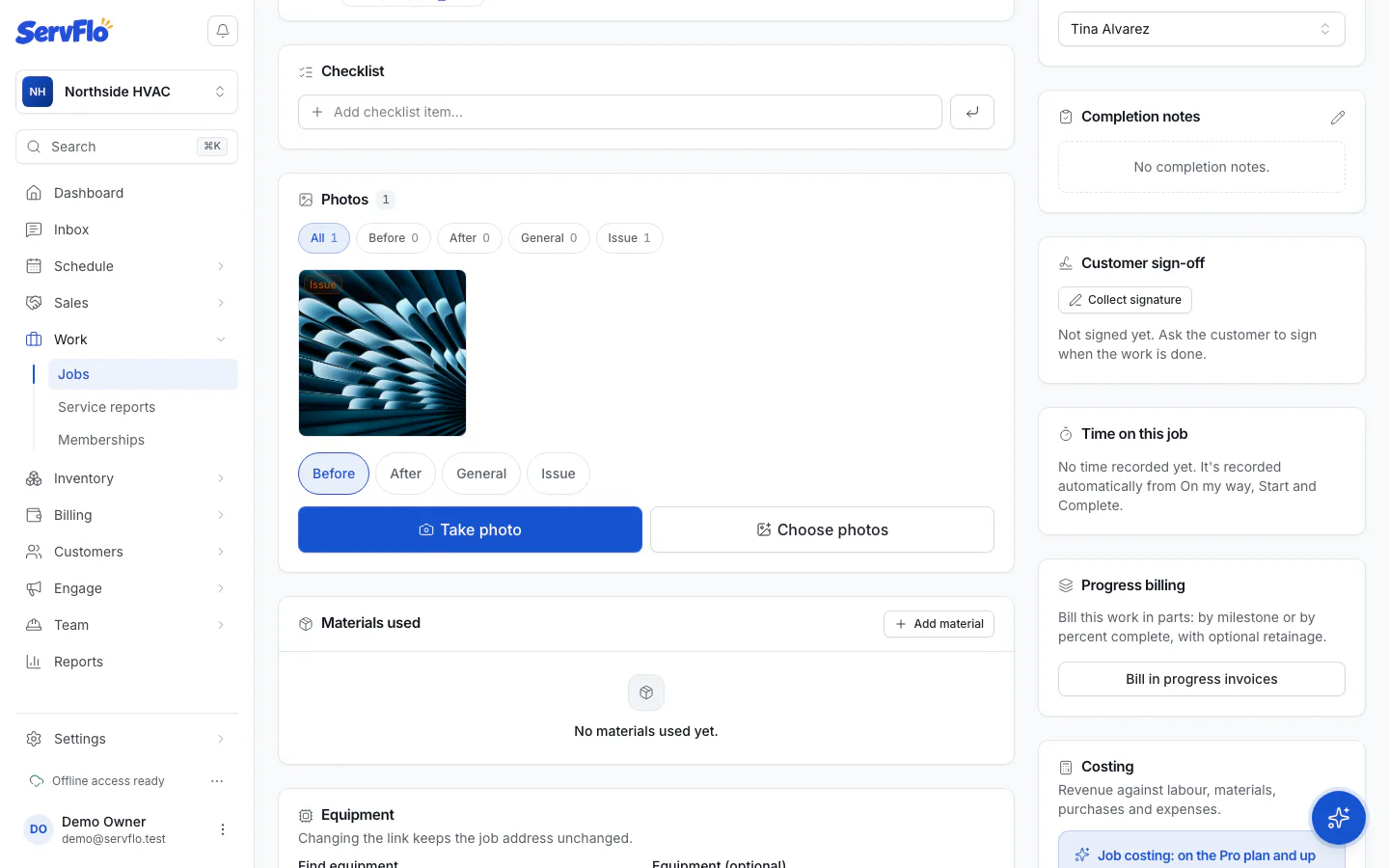
Open the job. The Time on this job panel shows time on the job, travel and Total labour for everyone who worked it, and Running since a time while the clock is still going.
How job time counts toward pay
On a day with a shift (clocked in and out), paid time is the shift less breaks: job and travel time sit inside it. On a day without a shift, paid time is job time plus travel plus non-job time. Either way, the timesheet shows Time per job, which job costing uses for labor cost.
Forgot to tap? Add or fix the entry on the timesheet with a reason. See Timesheets.