
Memberships
Renewals
How memberships renew or expire at the end of their term, and how to renew one early.
Each membership runs for its plan's term. What happens at the end depends on Auto-renew.
- Auto-renew on: the membership rolls into a new term the day after it ends. The new term's visits are laid out and billing carries on.
- Auto-renew off: the day after its end date, the membership becomes Expired. Visits not yet done are skipped.
Change Auto-renew on the membership's page at any time.
See who's coming up for renewal
Filter by renewal window
Go to Work → Memberships and set Renewal window to Ending in 30 days, 60 or 90 days.
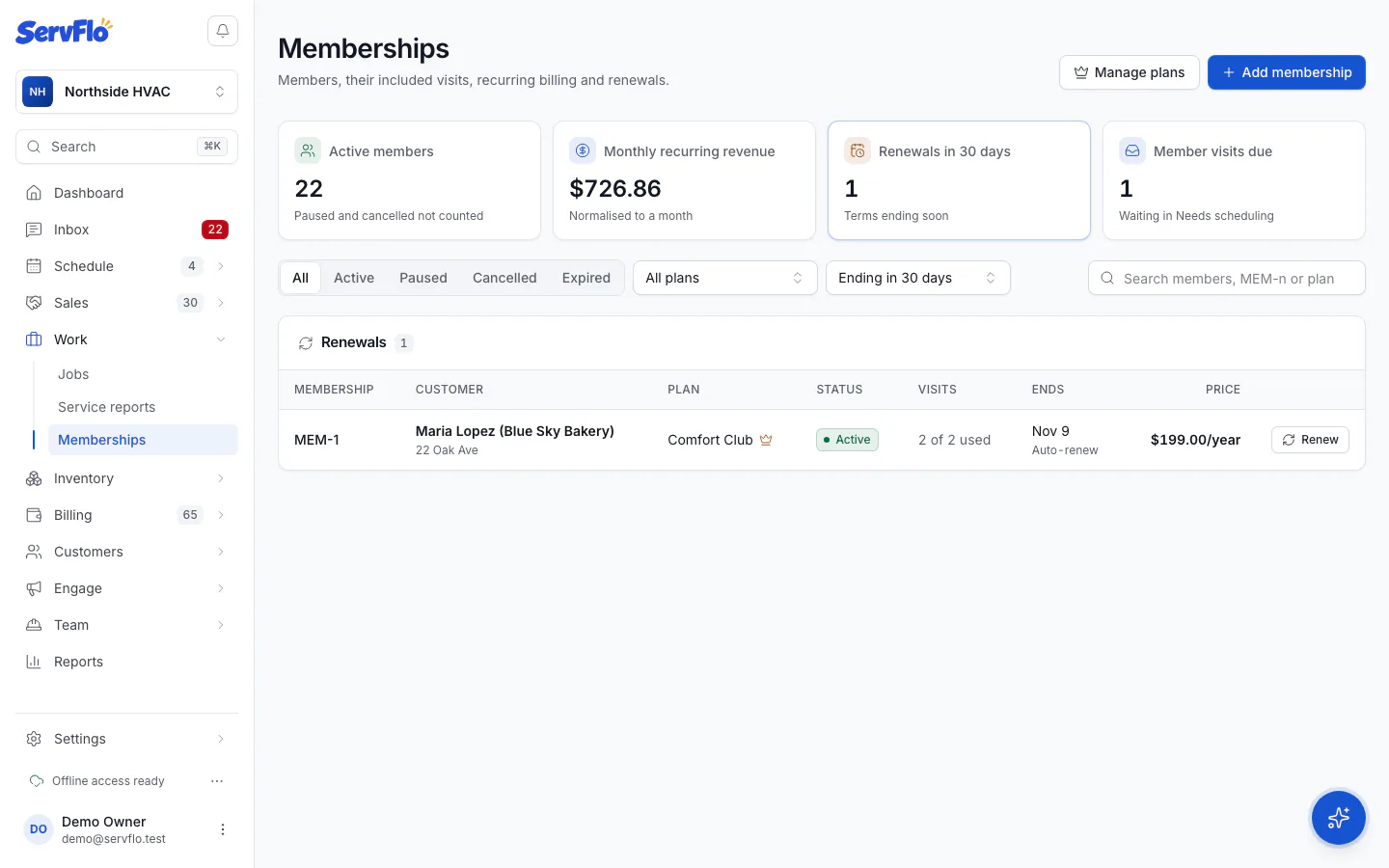
Renew
Click Renew on a membership. An active membership gets its next term added now. An expired one starts a new term today and is billed.
Renewals keep the price and perks the member signed up with, even if you've changed the plan since.