
Pause or cancel a membership
Pause billing and visits for a while, cancel a membership, or reinstate it.
Open the membership from Work → Memberships and use the buttons at the top.
Pause
Click Pause
Click Pause.
Choose when it resumes
Set Resume on, or leave it empty to pause until you reinstate it. Click Pause membership.
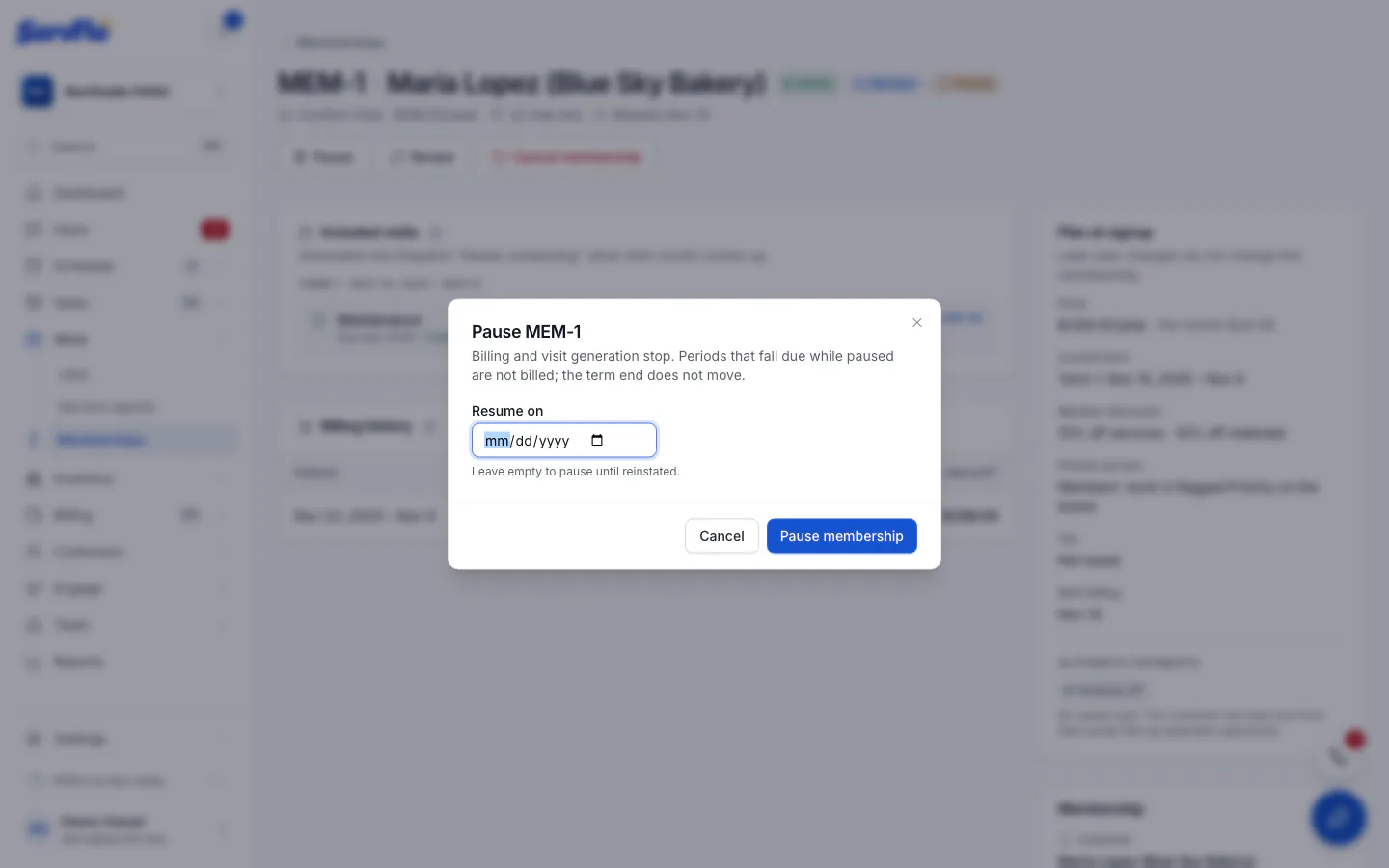
While paused, nothing is billed and no new visits are created. Periods that fall due while paused aren't billed, and the term's end date doesn't move. Jobs already created stay.
Cancel
Owners and admins can cancel a membership.
Click Cancel membership
Click Cancel membership.
Give a reason
Enter the Reason. To charge a cancellation fee, enter an amount in Final invoice (optional): it creates a draft invoice.
Confirm
Click Cancel membership.
Billing stops, every future visit is skipped and its waiting job is cancelled. Invoices already issued stay as they are.
Reinstate
Click Reinstate on a paused or cancelled membership.
- A paused membership resumes now.
- A cancelled membership whose term hasn't ended becomes active again. Skipped visits still ahead come back, and billing resumes from the next unbilled period.
If the term has already ended, renew it instead.