
Memberships
Member pricing
How member discounts are added to quotes and invoices, and how to remove them.
When a customer has an active membership, their quotes and invoices get the plan's discounts automatically, as separate lines you can see. Service lines and material lines are discounted separately, so a plan can give 15% off services and 10% off materials.
Which membership applies
- A membership covering the document's property, or one that covers all the customer's properties.
- If several apply, the largest discount wins.
- Membership fees themselves are never discounted.
Quotes and invoices
- Quotes: the discount is worked out per option from its required lines. Optional add-ons are priced as listed. It updates while you edit and is fixed once the customer approves.
- Invoices: the discount is added when the invoice is created. A job or invoice made from an approved quote keeps the approved price and isn't discounted twice.
Remove or apply member pricing
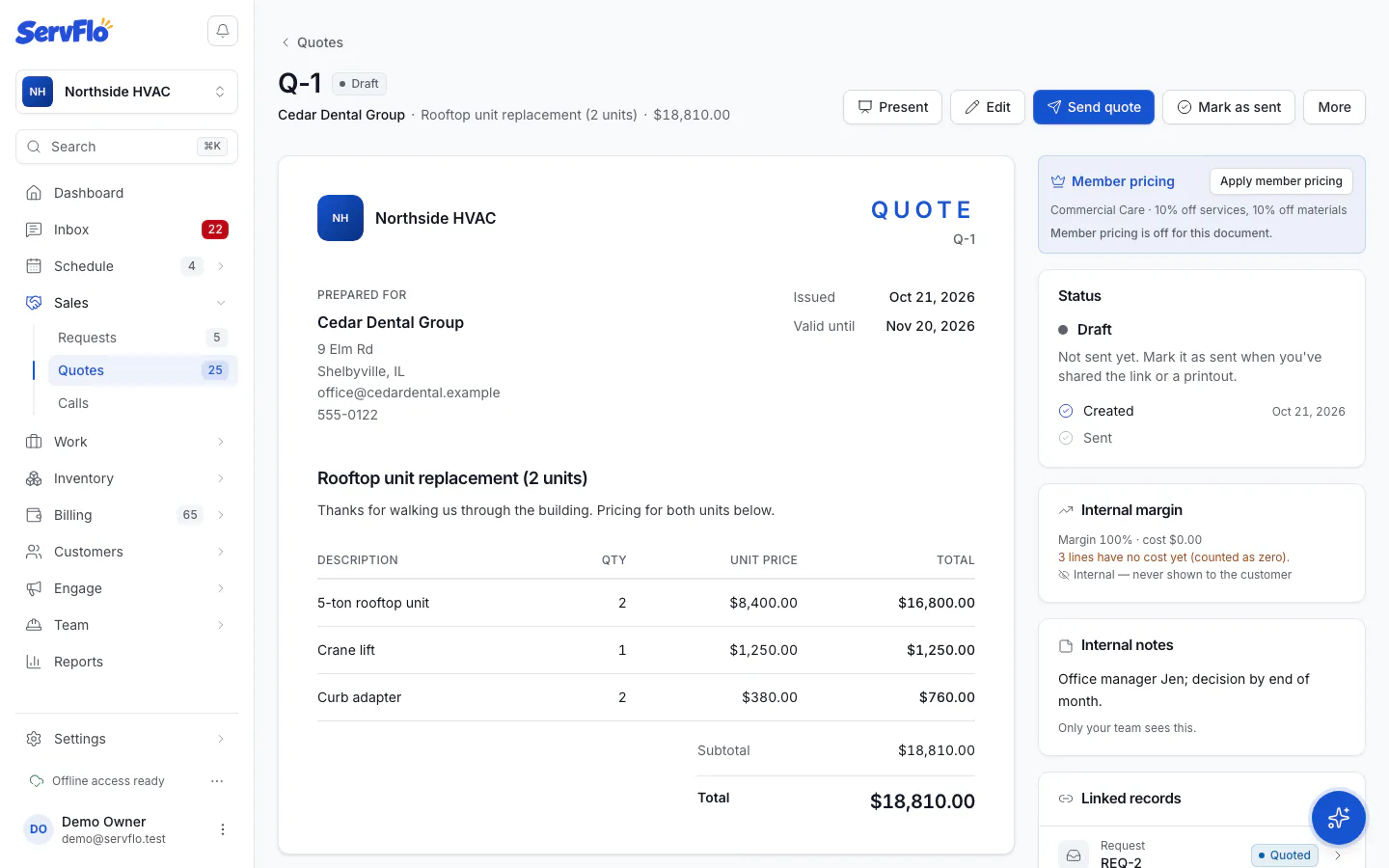
The quote or invoice shows a Member pricing card with the plan and its discounts.
- Click Remove to take the discount off this document.
- Click Apply member pricing to put it back.
You can change this while a quote can still be edited, or while an invoice is a draft with no payments. ServFlo remembers your choice for that document.