
Included visits
How a membership's included visits are laid out, created as jobs and tracked.
You don't book member visits by hand. When a membership starts or renews, ServFlo lays out the term's included visits from the plan. As each one comes due, it becomes a job waiting on your Needs scheduling list.
How visits are spread over the term
- With months chosen (for example April and October), each visit falls in the next of those months.
- Without months, visits are spread evenly over the term. Four visits in a 12-month term fall in months 1, 4, 7 and 10.
- Every N weeks, the first visit falls on the term's first day (or the first Preferred day after it), then every N weeks until the term ends.
When a visit becomes a job
Each visit's window opens a set number of days before its month (or its date, for every-N-weeks plans): 30 days unless you change Create member visits this many days ahead in Settings → Membership plans. When it opens, ServFlo creates a job for the customer with the plan's service, no date, no technician and no charge (it's included). It shows on the dispatch board's Needs scheduling list with a Member visit label and when it's due.
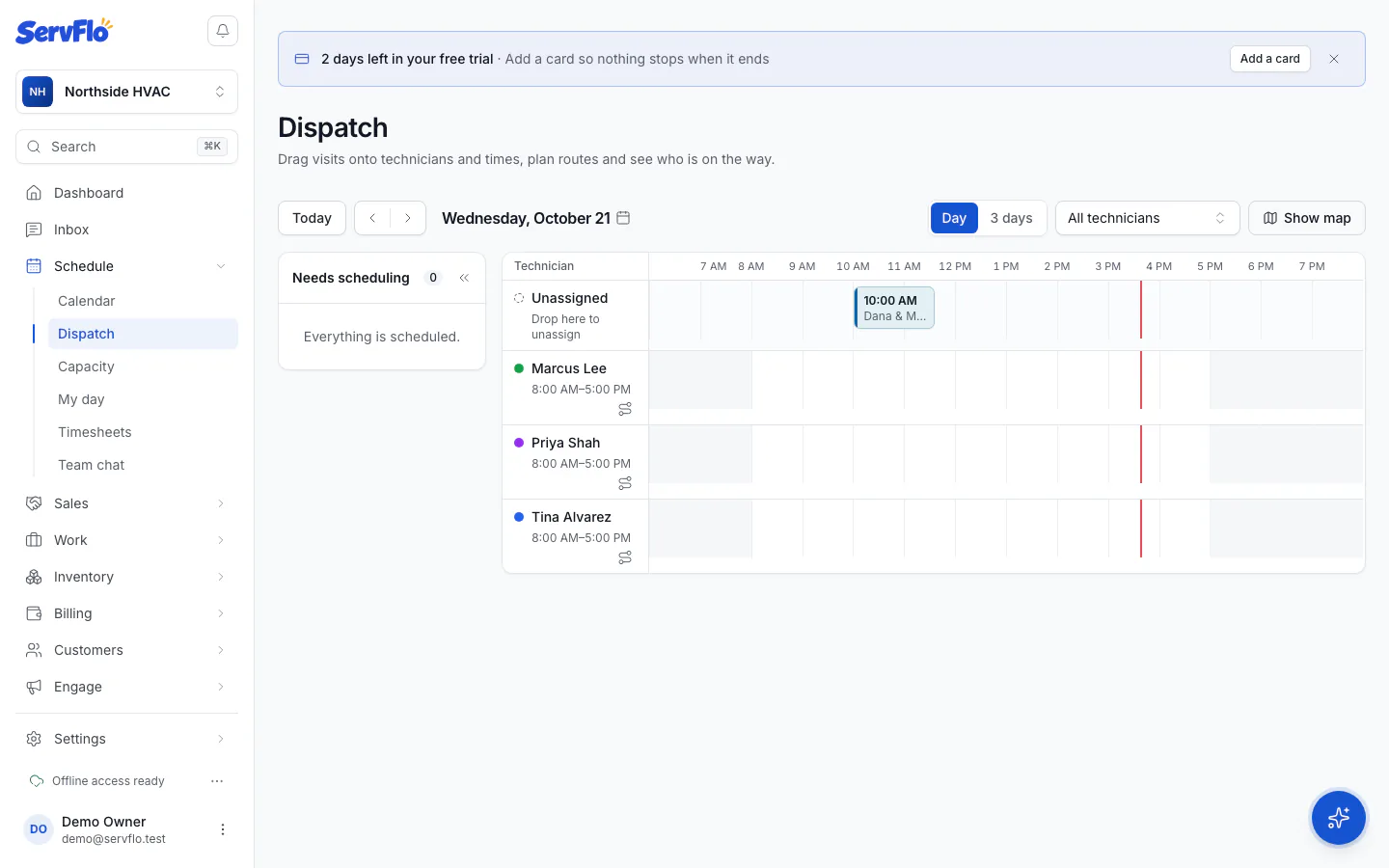
Schedule it like any other job. The visit's status then follows its job:
| Visit status | When |
|---|---|
| Due | Waiting for its window, or created but not scheduled yet |
| Scheduled | Its job has a date |
| Completed | Its job is completed |
| Skipped | Its job was cancelled, or the membership was cancelled or expired |
Track every visit on the membership's page under Included visits. Paused memberships don't create new visits.