
Flo (AI)
Saved chats
Go back to an earlier conversation with Flo, start a new one, or delete one.
Flo keeps your conversations, so you can pick up where you left off on any device.
Open an earlier chat
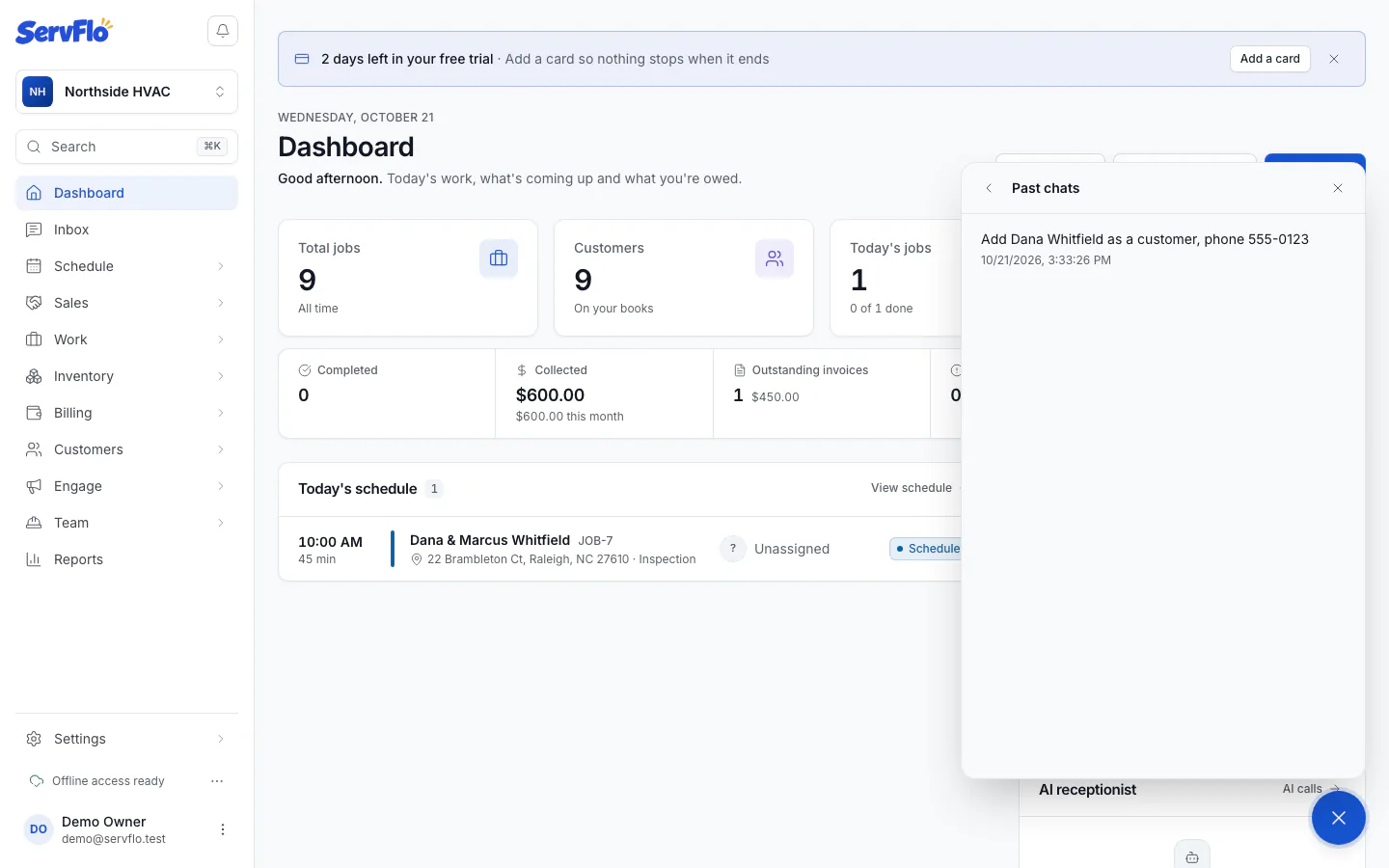
Pick a chat
Click a chat to open it and keep going. Click Back to return to the list.
Start a new chat
Click New chat. Starting fresh is a good idea when you change topic: Flo stays focused on what you're asking now.
Delete a chat
In Past chats, click the delete button next to the chat. It's deleted for good.
Who can see your chats
Your chats are yours. Nobody else in the business can see them, including owners and admins. Each chat belongs to one business: if you work for more than one business in ServFlo, each has its own chats.
Changes Flo made for you are still in the business's Activity log, even after you delete the chat.