
Add a card during your trial
Unlock texting, calls and phone numbers in your free trial without ending it.
Your free trial lets you explore everything. A few things cost real money to run, so they start once a card is on file:
- texting and calling customers
- phone numbers, including your business's texting number
- the AI receptionist
- marketing campaigns
- visit safety checks
Adding a card doesn't end your trial or start your plan early. You won't be charged until your trial ends.
Until you add a card, you can still test on yourself: texts and calls to your own phone, a few emails a day to your team, and a small number of AI credits.
Add the card
Only the owner can add a card. Anyone else sees "Ask the owner to add a card in Settings → Billing."
Select Add a card
You'll find Add a card in a few places:
- the banner at the top of every screen, such as "12 days left in your free trial · Add a card so nothing stops when it ends"
- the "Add a card to…" notices in the Phone, Texting, Campaigns and Visit safety settings and the call log
- Settings → Billing
- the message that appears when something you try is waiting for a card
Enter your card on the secure page
ServFlo opens Stripe's secure card page (Stripe is our payment provider). Enter your card details and save.
Return to ServFlo
You're brought back to Settings → Billing, which says Card added. Texting, calling and paid features are unlocked. They work straight away. Select Back to where you were to carry on. If your business doesn't have its texting number yet, ServFlo picks one near you shortly after.
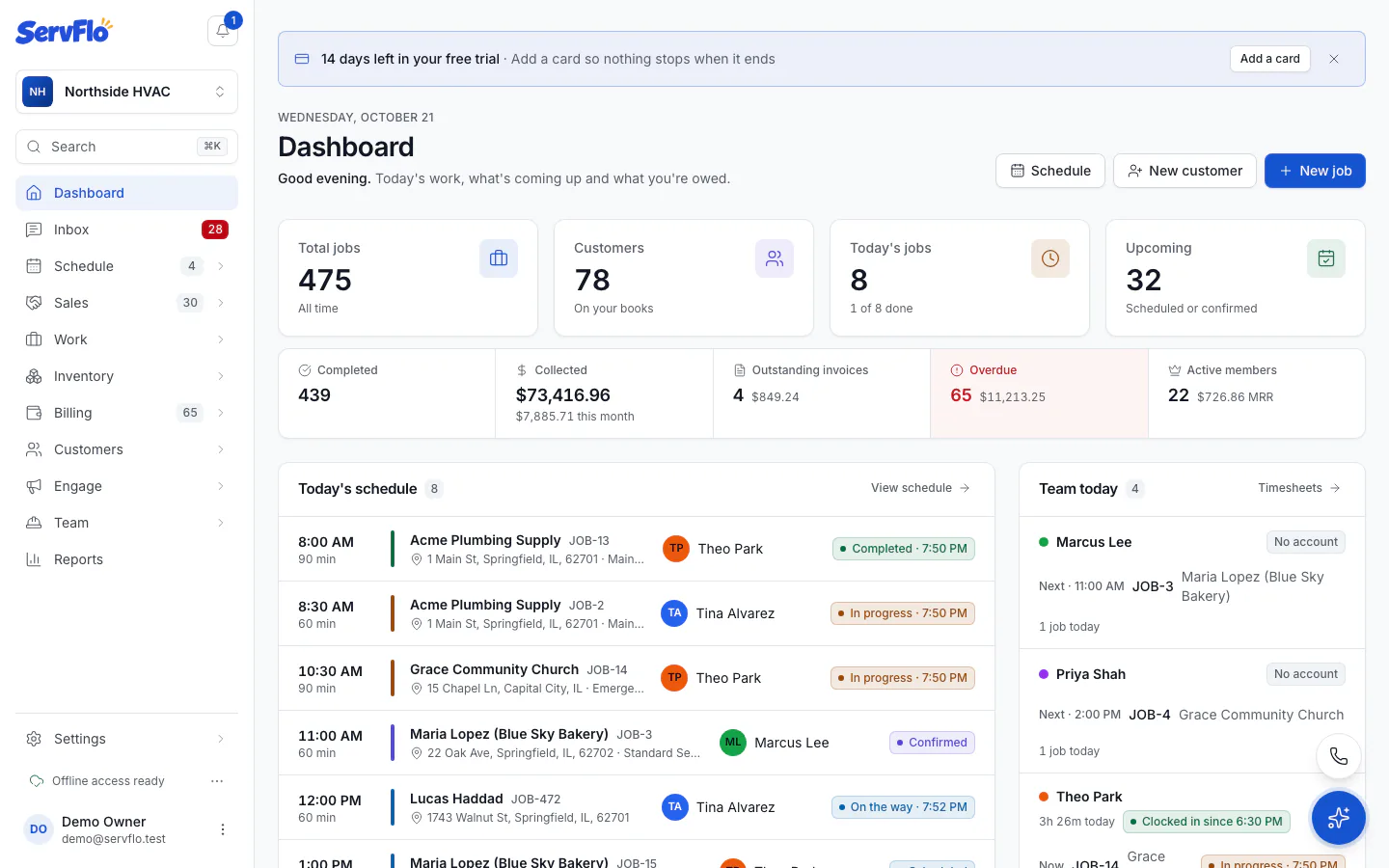
Closed the banner with ×? It stays hidden for the rest of that browser tab. You can always add a card from Settings → Billing.
What happens when the trial ends
With a card on file, your trial plan continues and is charged to the card. To start a different plan, use Settings → Billing. Without a card, your business moves to the Core plan.