
Weather
Weather alerts
Get notified when a booked outdoor visit's forecast turns bad, and choose how far ahead ServFlo watches.
ServFlo checks your booked outdoor visits every hour. When a visit's forecast turns bad, the people who schedule (owners, admins and dispatchers) get a notification such as "Weather risk: JOB-12 on Wed, Nov 4", with the customer, the reason and the next clear day. Click it to open the job.
You get one alert per visit time. If you move the visit and the new time turns bad too, you're alerted again.
Change alert settings
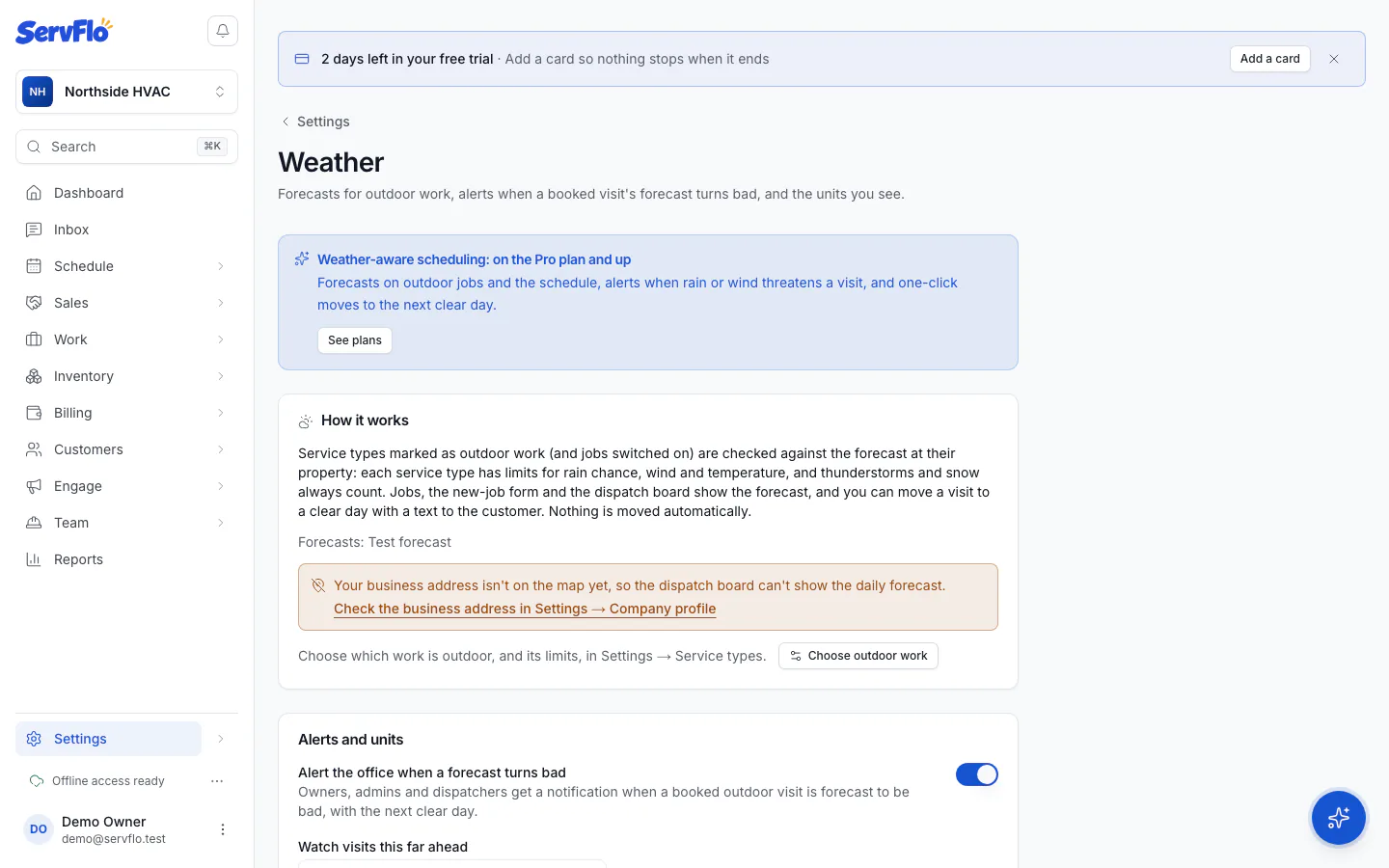
Choose your settings
Under Alerts and units:
- Alert the office when a forecast turns bad: on or off.
- Watch visits this far ahead: 1 to 7 days (default 3).
- Units: Automatic (by your country), Imperial (°F, mph) or Metric (°C, km/h).
Only owners and admins can change these settings.
Alerts arrive in the app and by email. Each person can change how they get them in their own Notifications settings, under "Weather alerts".