
Customer 360
Service due
Find customers who are due for a visit and invite them to book.
The Service due list shows customers whose next service is coming up or overdue, so you can fill your schedule before they call someone else.
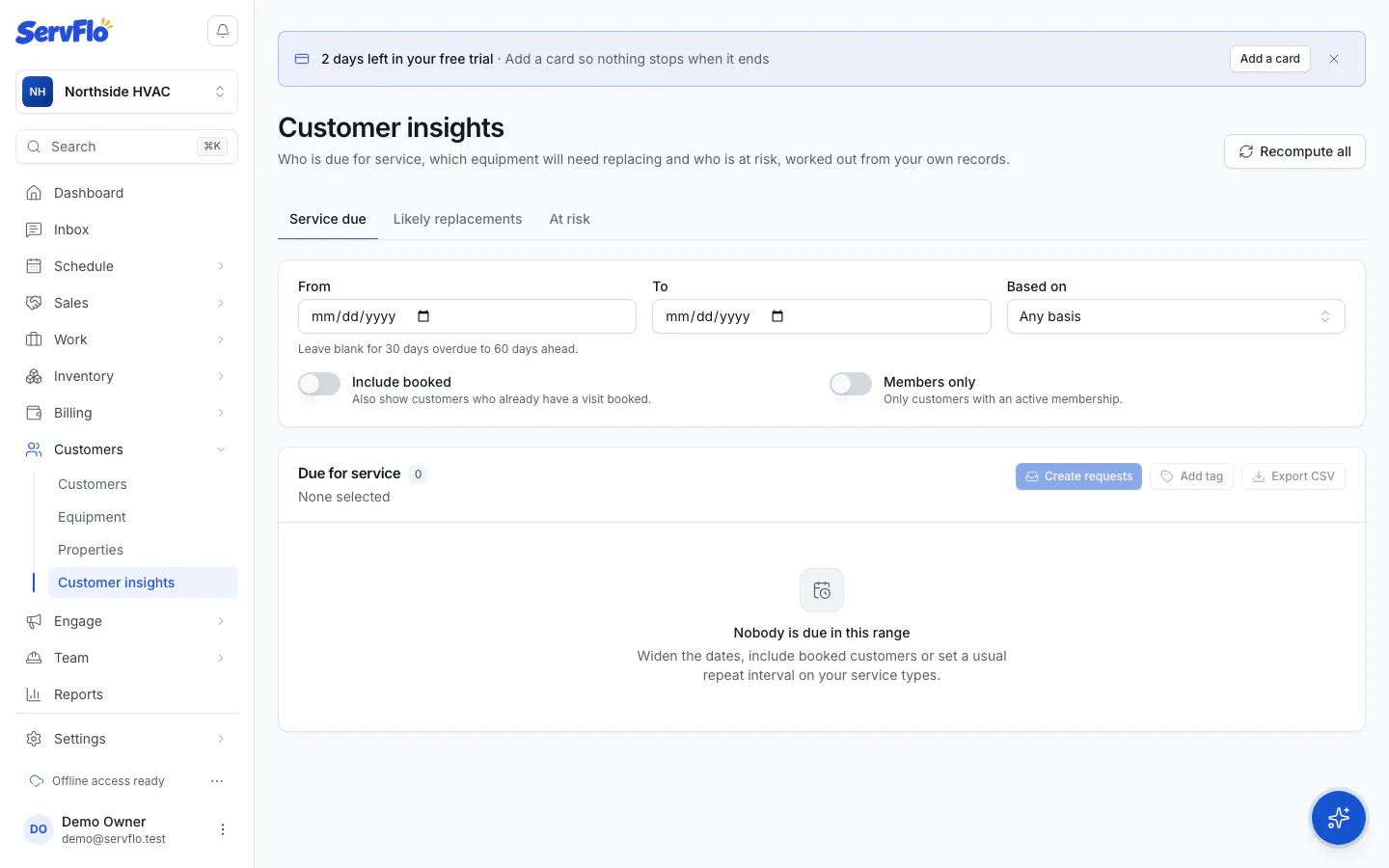
Set the range
Use From and To to choose the due dates. Leave them blank for everyone from 30 days overdue to 60 days ahead.
Narrow it down
- Include booked: also show customers who already have a visit booked.
- Members only: only customers with an active membership.
- Based on: only due dates worked out a certain way (below).
Follow up
Select customers and click Create requests to add a request for each one to your Requests list, or use the other bulk actions.
How the due date is worked out
The Based on column says which rule set the date, using the first one that applies:
| Based on | Meaning |
|---|---|
| Already booked | A visit is already on the schedule |
| Membership visit | Their membership's next included visit |
| Their usual rhythm | The usual gap between their past visits |
| Service interval | The usual repeat interval of their last service |
| Seasonal pattern | They book in the same seasons each year |
| Yearly check-up | One year after their last service |
Set a Usual repeat interval (days) on each service type in Settings → Service types (for example 180 for twice a year). It makes these dates much more accurate.