
Customer timeline
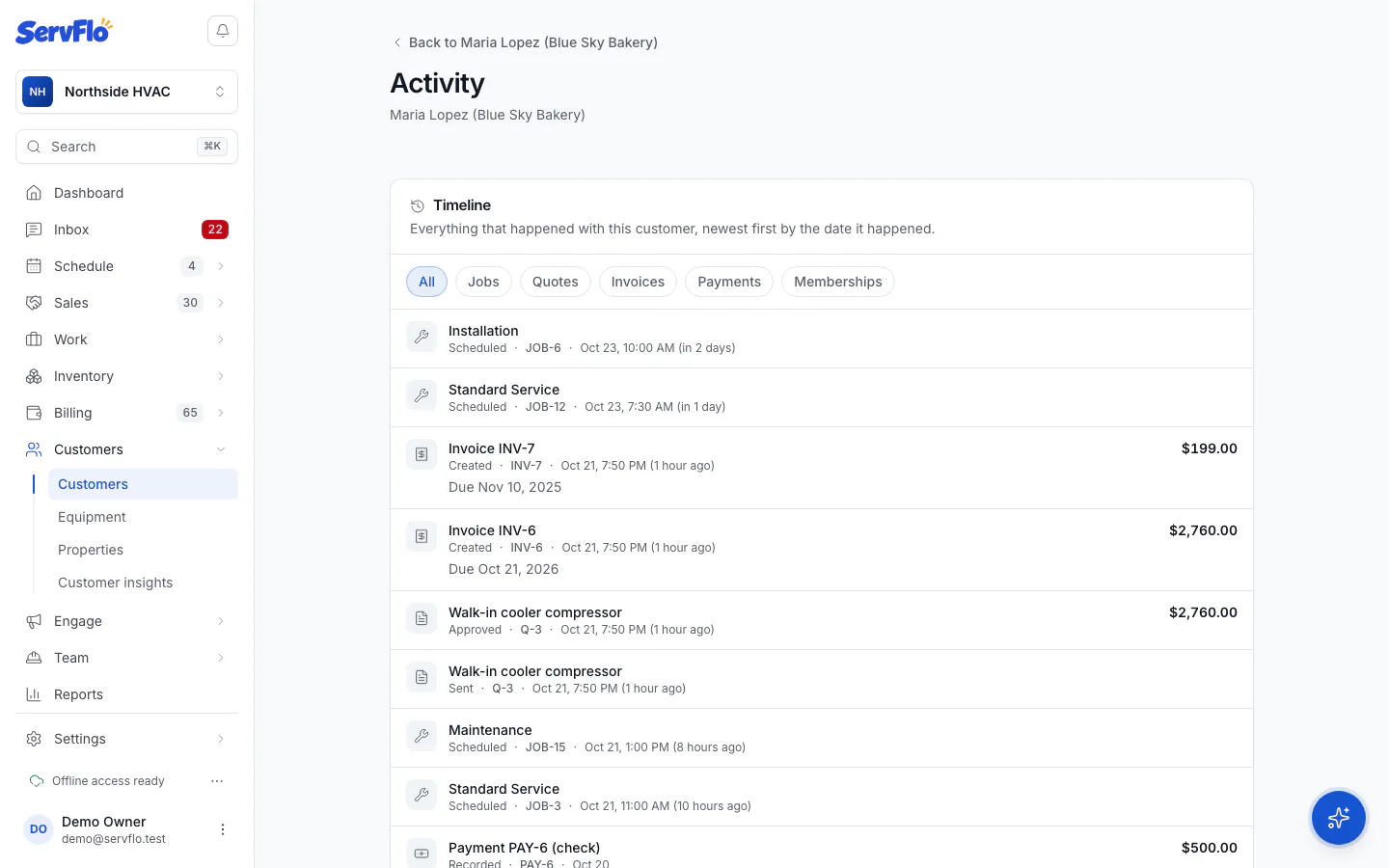
See everything that happened with a customer, newest first, by the date it happened.
The timeline lists everything that happened with a customer: jobs and visits, quotes, invoices, payments, messages, reviews, notes, requests, memberships and calls (with their AI summary when you have the phone system).
Open the customer
On the customer's page, find Recent activity and click View all.
Filter it
Use the filters at the top (Jobs, Quotes, Invoices, Payments, Messages and so on) to see one kind of thing, or All. Click Show more to go further back.
Why the order may differ from when things were entered
The timeline is ordered by when things happened in your business, not when they were typed in. A job completed last March and entered today shows in March. Imported history from another system keeps its original dates too. When something was entered much later than it happened, the entry says entered and the date it was entered.