
Visit safety
Turn on visit safety
Accept the safety terms, then choose the search radius, monthly limit and whether to skip California.
All plans$0.25 per check
Only owners and admins can turn visit safety on or change its settings.
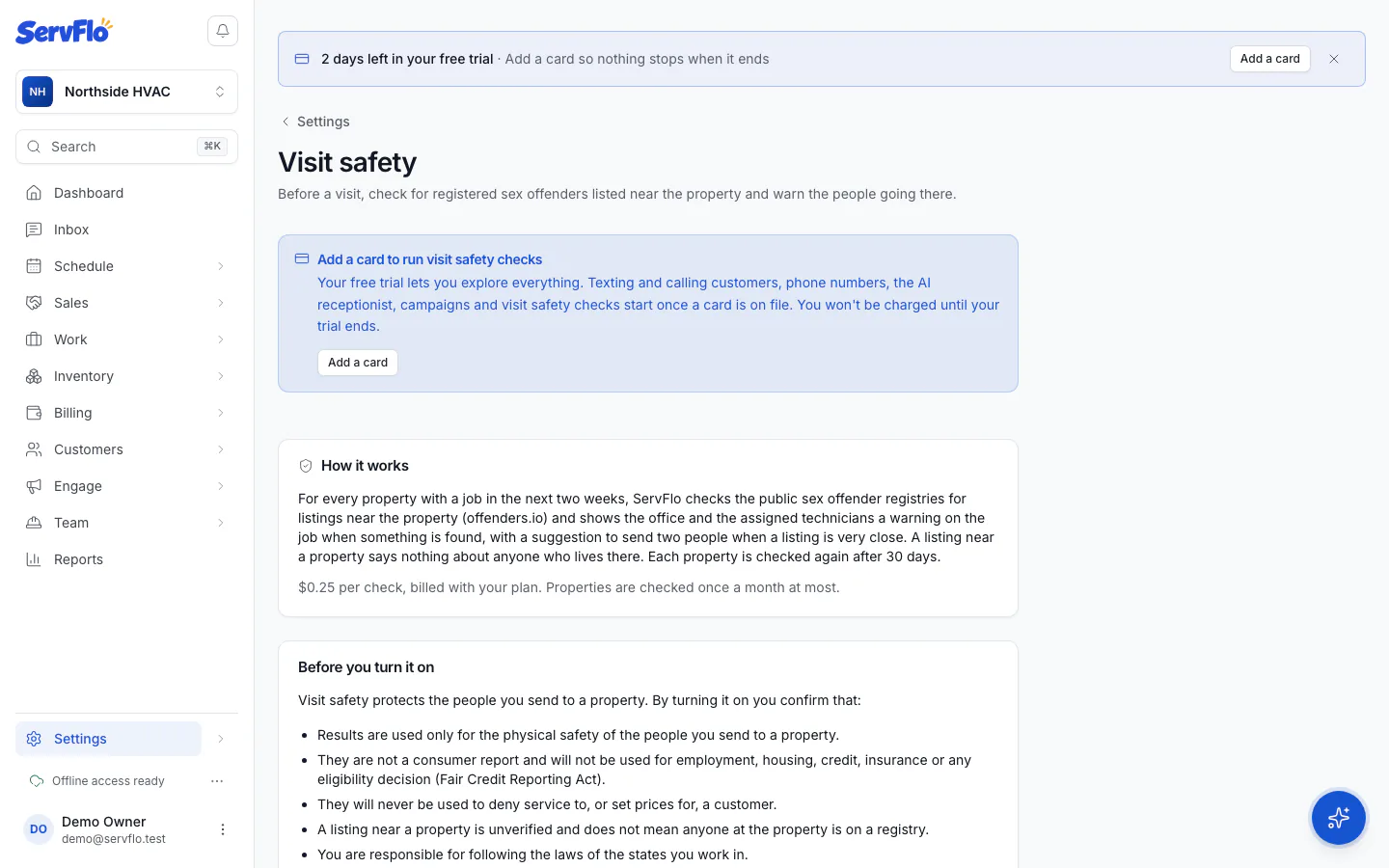
Read the terms
Under Before you turn it on, read what you're agreeing to: results are used only for the physical safety of your people, never for employment, housing, credit, insurance or any eligibility decision, and never to deny service to or price a customer.
Accept and turn it on
Tick I understand and accept these terms for this business, then click Turn on visit safety. ServFlo records who accepted and when.
Choose your settings
Under Settings:
- Check properties before visits: the on/off switch.
- Search radius: 0.25, 0.5 (the default) or 1 mile.
- Checks per month: the most checks ServFlo runs in a calendar month (default 200). Choose Paused (0) to stop checks without turning the feature off.
- Skip California properties: on by default.
Changes save as you make them.
Each check costs $0.25. During the free trial you need a card on file before checks run. See Costs and limits.