
Sales presenter
Presentation results
See close rates, membership attach rate, which option wins and time per step.
Go to Reports → Sales pipeline and scroll to In-home presentations to see how your presentations perform in the date range you choose.
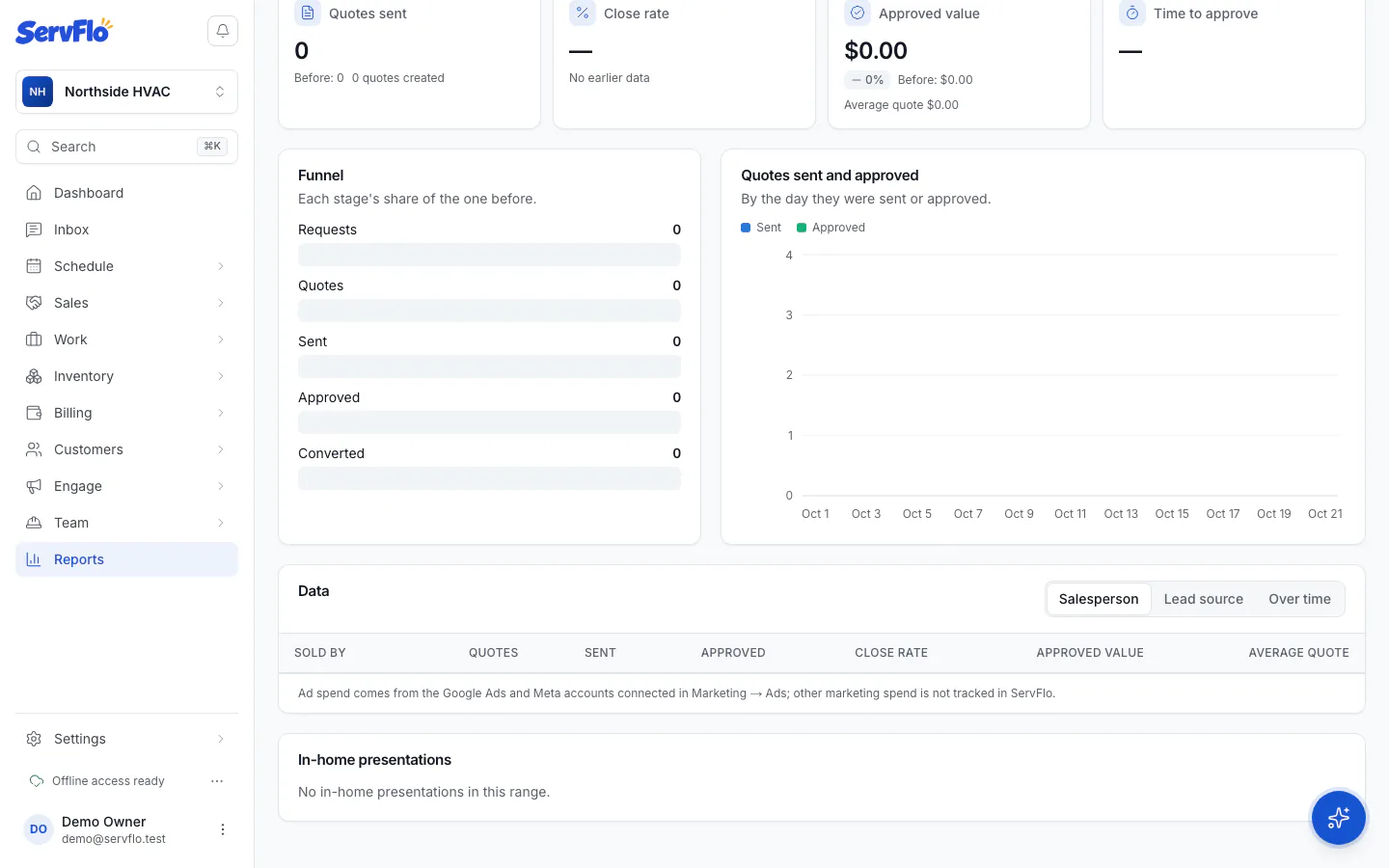
| Figure | Meaning |
|---|---|
| Presented | Quotes presented in the range (each quote counted once per presenter) |
| Won | Presentations that ended in an approval, including quotes approved online later |
| Close rate | Won out of presented |
| Membership attach rate | Wins with the membership added |
| Option chosen | Which option won on good / better / best quotes |
| Average time per step | How long customers spend on each step |
| By presenter | The same figures for each person who presented |